Budget vs Actual
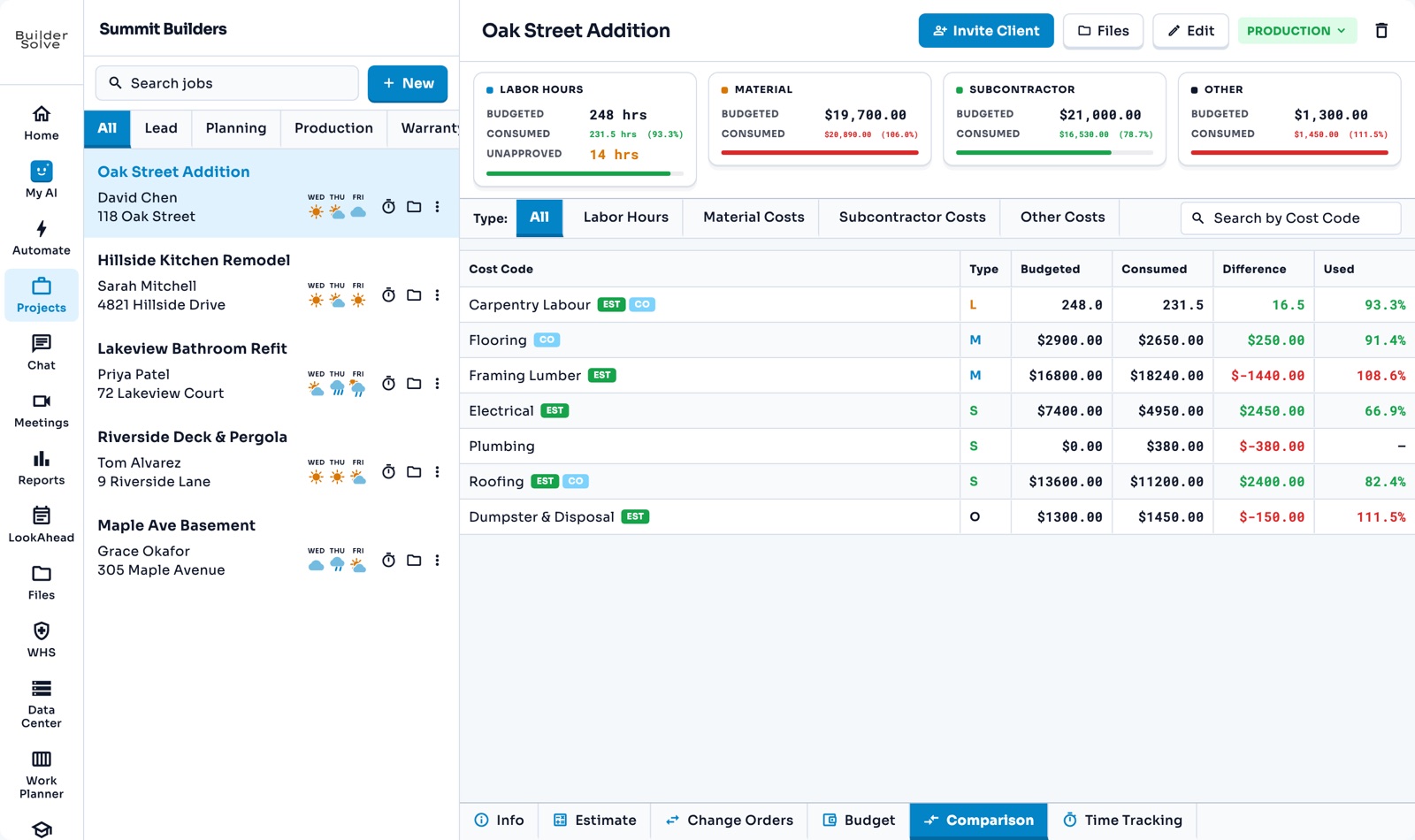
Compare what each cost code has actually used against its budget: labour in approved hours, everything else in dollars from your imported or QuickBooks costs.
What it does
-
Labour in hours
Approved time against budgeted hours. Unapproved time is shown but not counted yet.
-
Costs in dollars
Materials, subs and other costs from a spreadsheet upload or QuickBooks sync.
-
Overruns in red
A red bar and a red difference show where a cost code has gone over.
-
Where each budget came from
EST and CO badges show whether it came from the estimate or an approved change order.
-
Correct a cost
Fix a missed invoice in the Consumed Report and see it land against the budget.
More in Money
-
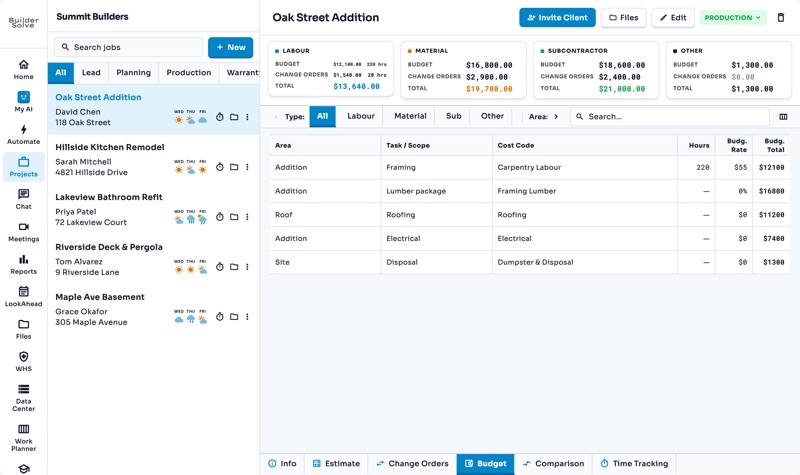
Budgets
What every part of the job should cost you, estimate plus approved changes.
-
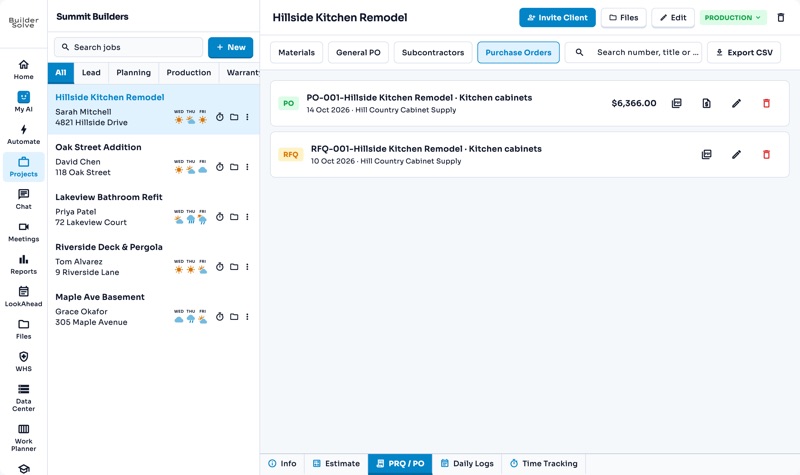
Purchase orders
Tick lines on the estimate, pick a supplier, and generate a PO filed with the job.
-
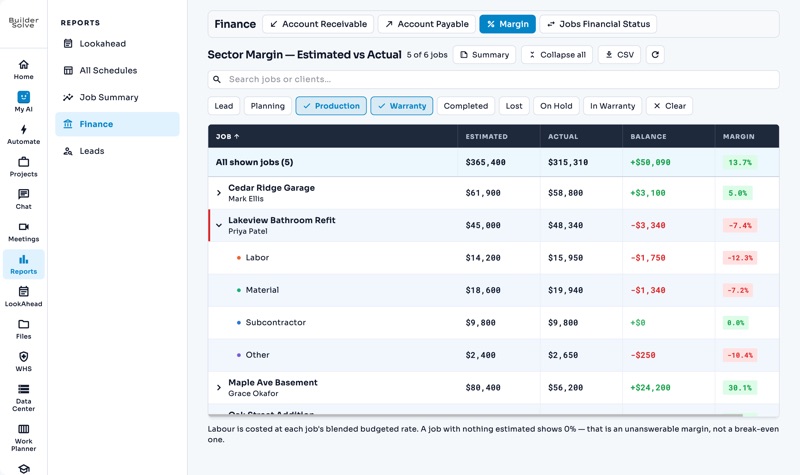
Reports
Margin, receivables, schedules and leads across every job, filtered and exported.
-
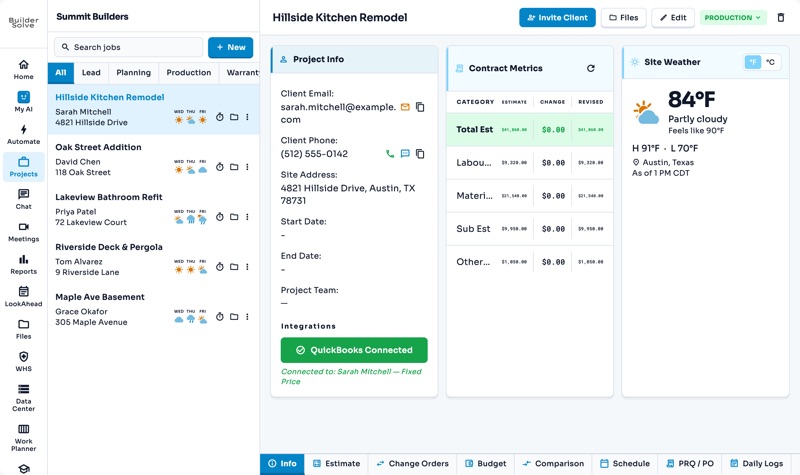
QuickBooks
Link each job to its QuickBooks customer and sync what has been spent.
See it on your own jobs.
Let's start building.
Every feature is in the trial, with your data, from day one.