Scheduling: Gantt, Calendar & Table
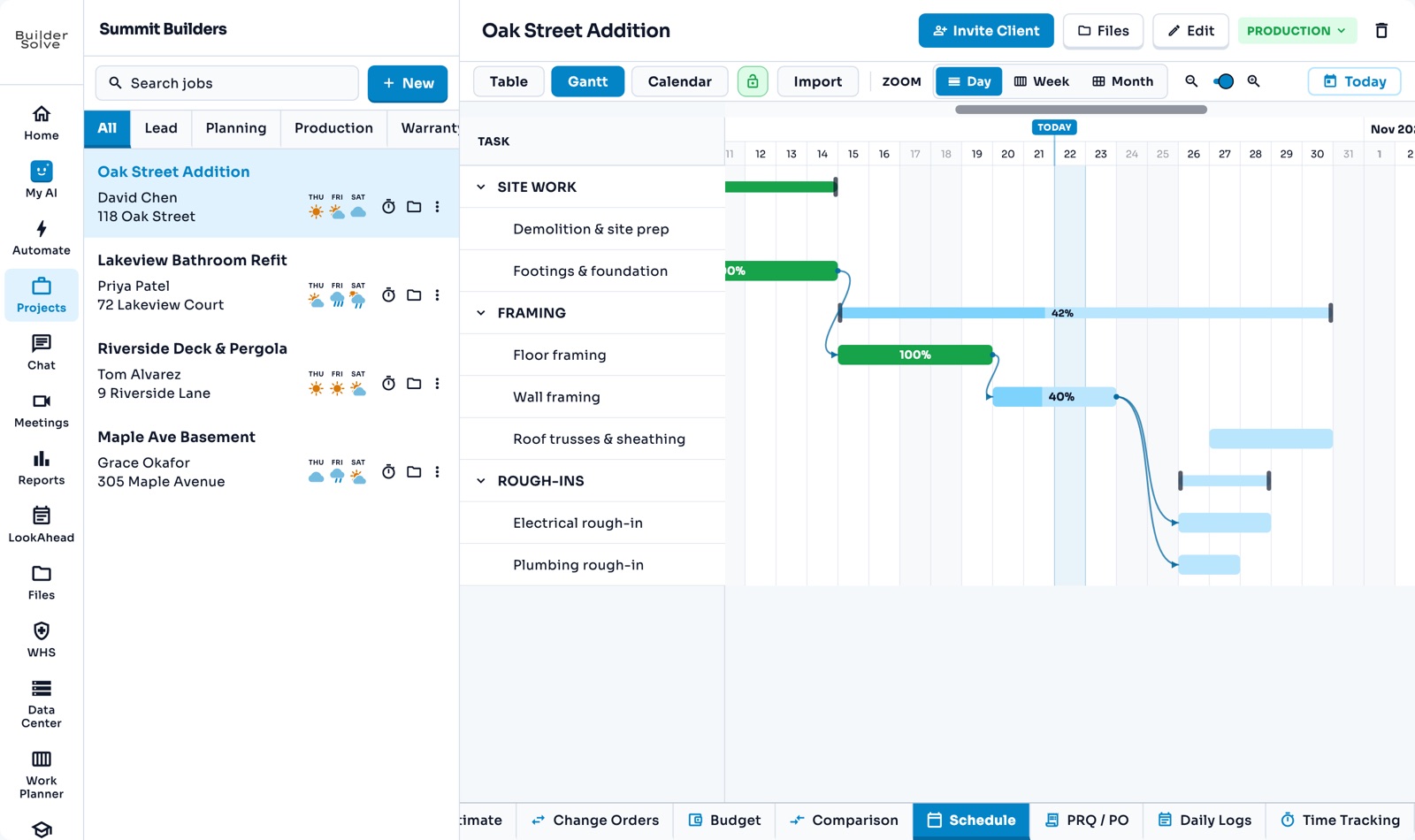
Plan each job in Table, Gantt or Calendar view. Auto tasks start when the one before finishes, so a delay flows through, and nothing moves without asking.
What it does
-
Three views
Table for entering tasks, Gantt for the timeline and Calendar for a month at a glance.
-
Auto and manual tasks
Auto tasks follow the one before, so a delay flows through. Manual tasks keep the dates you set.
-
Working days
Type a duration and the end date works itself out, skipping weekends.
-
Drag on the Gantt
Move a bar when a delivery slips. BuilderSolve asks before it moves anything.
-
Locked by default
The schedule opens locked so nothing moves by accident.
More in Schedule & field
-
Jobs
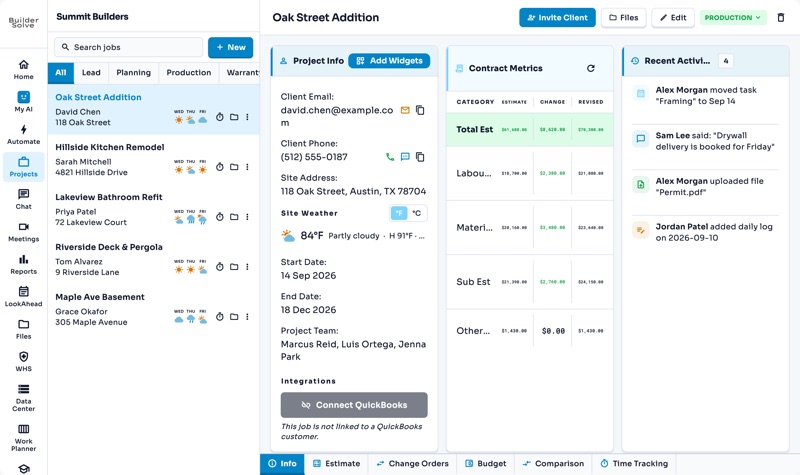
The whole job on one page: client, site, contract, team and schedule.
-
LookAhead
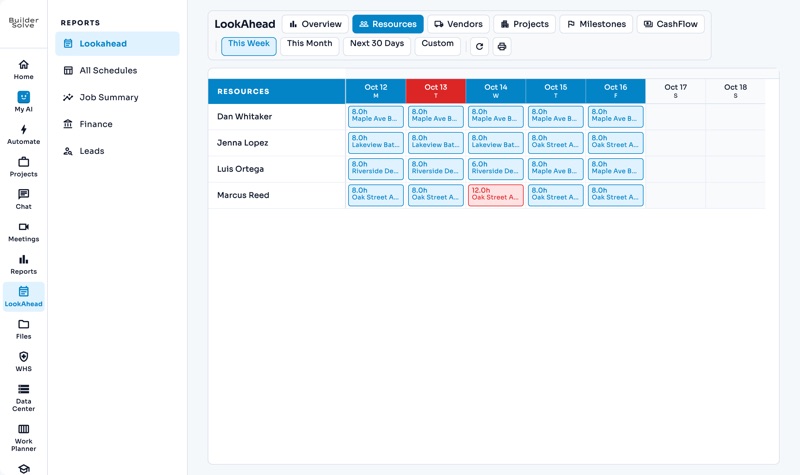
The year ahead across every job: cash flow, upcoming AR & AP, and who is booked where.
-
Work Planner
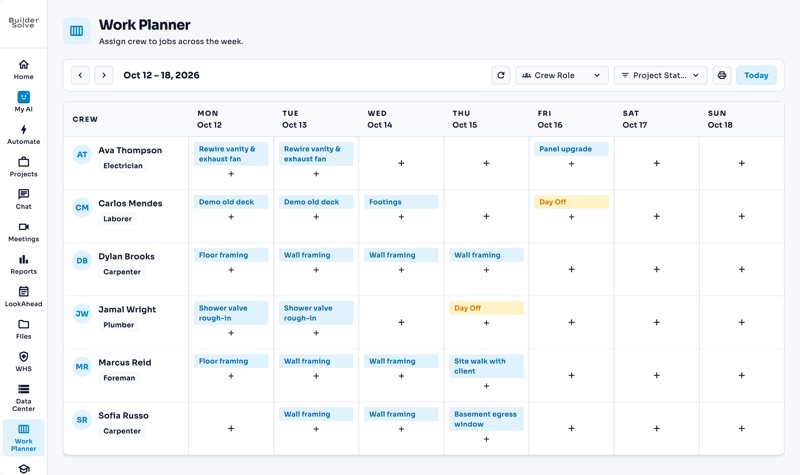
Put each person on a job and task, day by day, on one board.
-
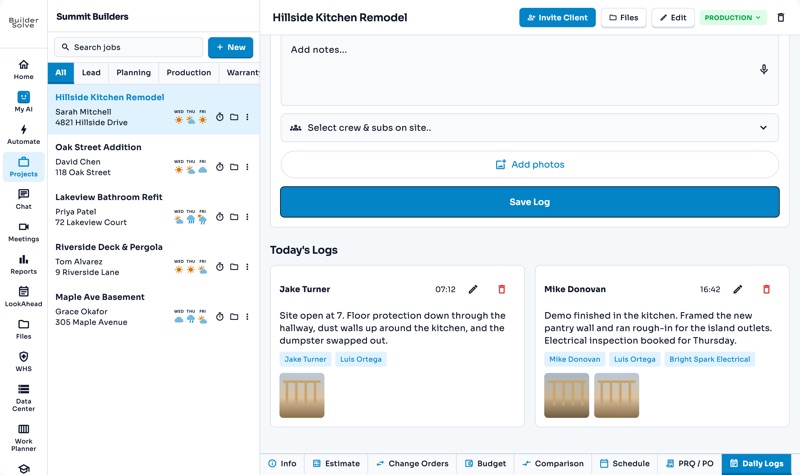
Daily logs
What got done, who was on site and photos of the work, one day at a time.
-
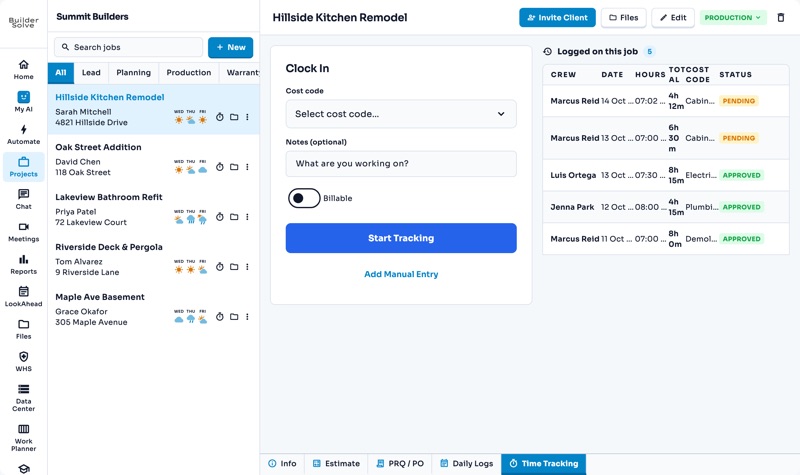
Time tracking
Clock in against a cost code, and every hour lands on the right job and line.
-
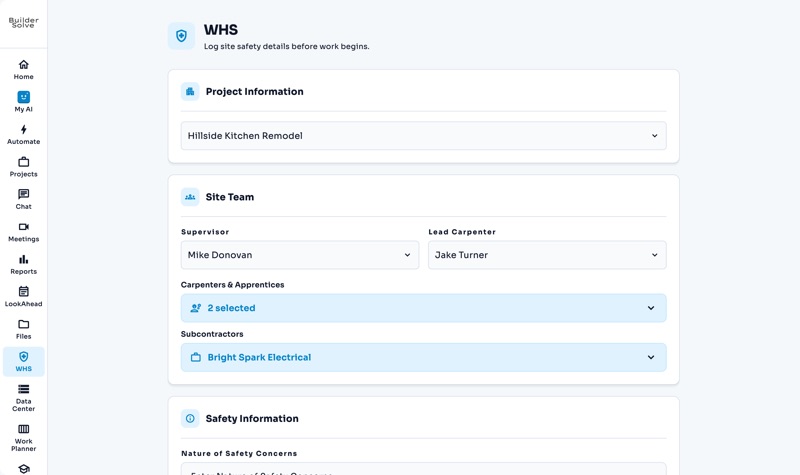
Safety reports
The site team, safety notes and checklists, logged before work begins.
See it on your own jobs.
Let's start building.
Every feature is in the trial, with your data, from day one.