QuickBooks Integration
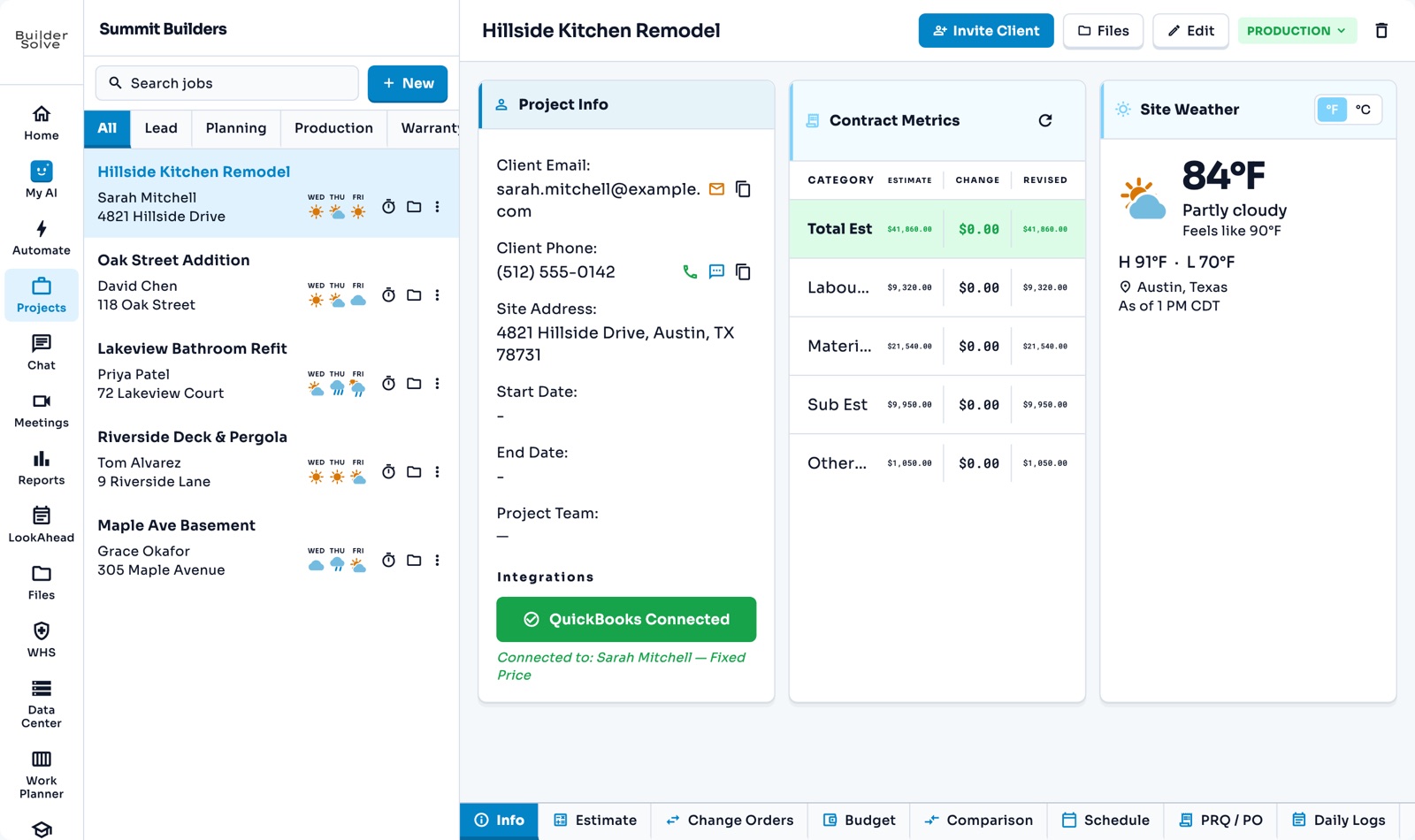
Connect your QuickBooks company once, link each job to the customer it is billed to, and sync its costs in as the job’s consumed costs.
What it does
-
Connect once
Sign in to Intuit from Company Settings and approve the link.
-
Link each job
Pick the QuickBooks customer a job is billed to from its Info tab.
-
Sync costs
Pull in what has been spent against that customer, cost code by cost code.
-
Real spend on the budget
Synced costs become the job’s consumed costs in Budget vs Actual.
More in Money
-
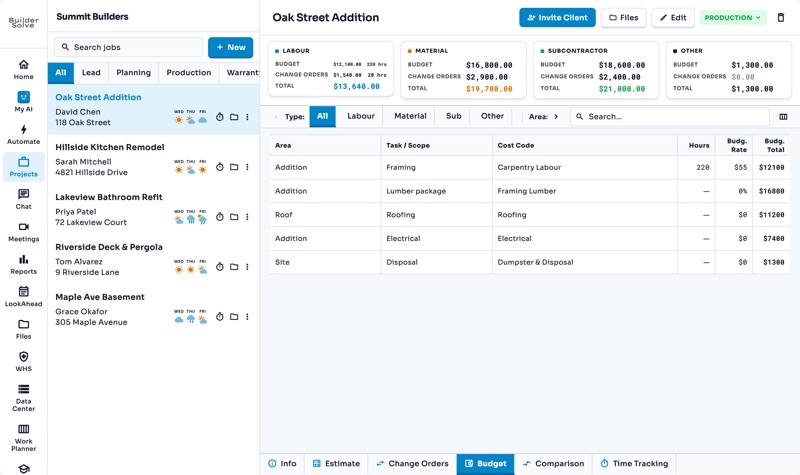
Budgets
What every part of the job should cost you, estimate plus approved changes.
-
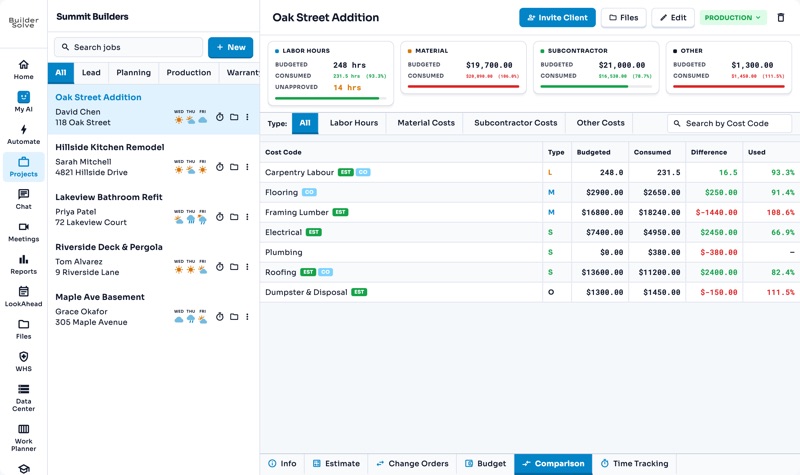
Budget vs actual
What each cost code has used against its budget, so you catch an overrun early.
-
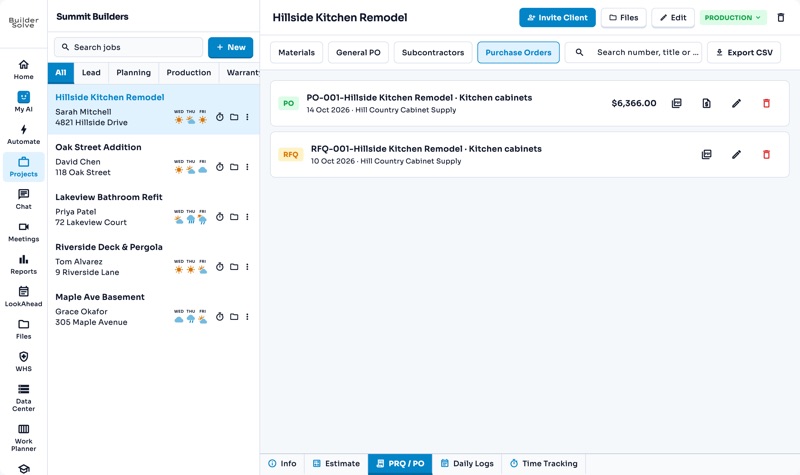
Purchase orders
Tick lines on the estimate, pick a supplier, and generate a PO filed with the job.
-
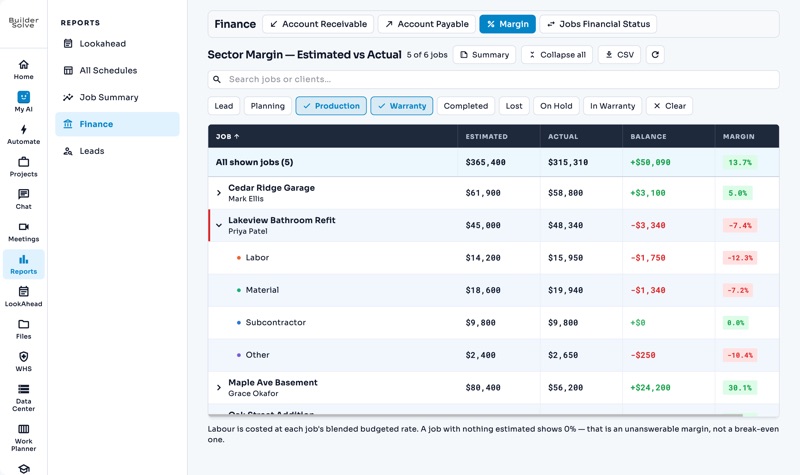
Reports
Margin, receivables, schedules and leads across every job, filtered and exported.
See it on your own jobs.
Let's start building.
Every feature is in the trial, with your data, from day one.