Purchase Orders
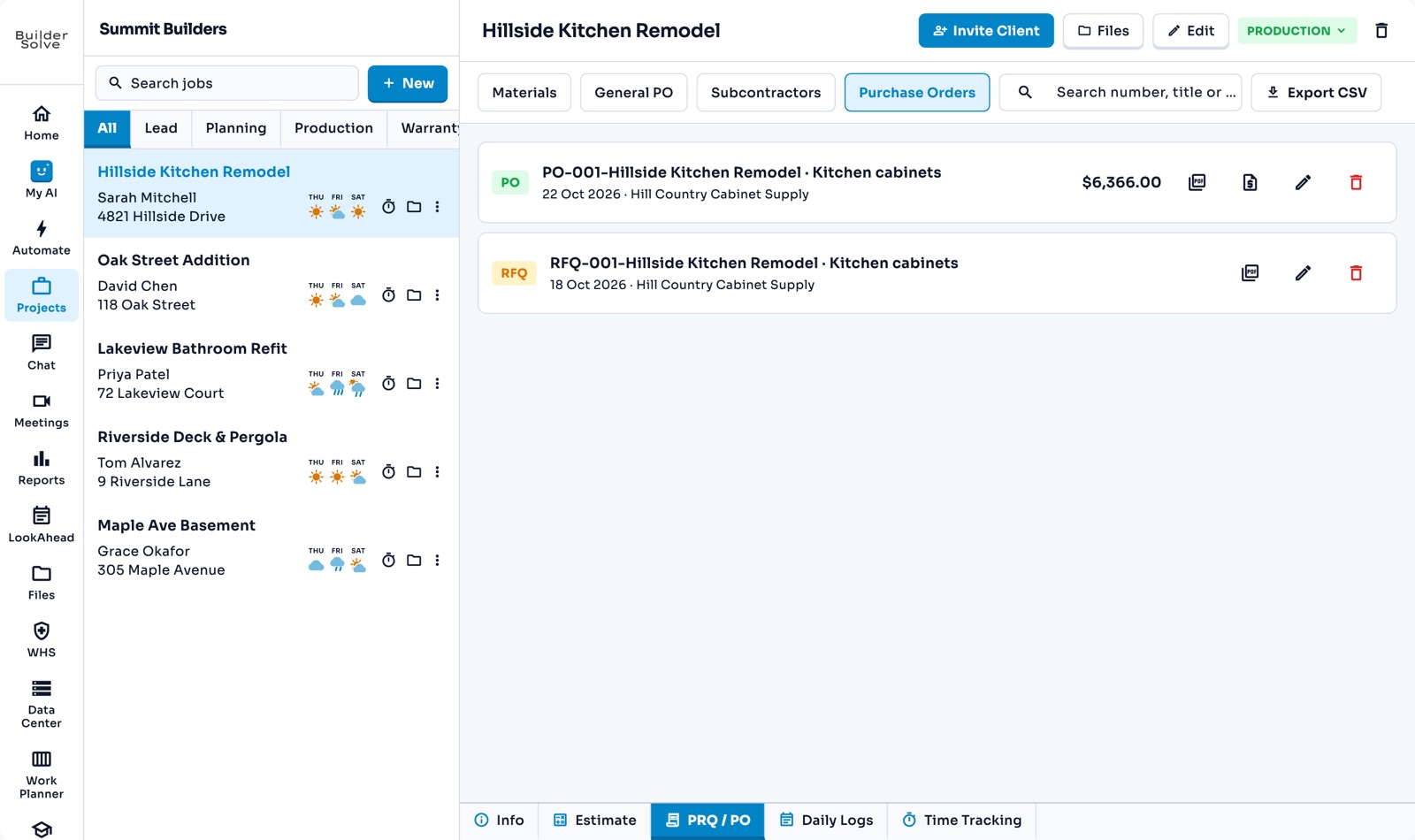
Raise purchase orders from the job’s estimate, so prices and cost codes are already filled in. Pick a supplier, attach their quote, and the PDF is filed with the job.
What it does
-
From the estimate
Tick the lines you are buying from one supplier; their materials become the line items.
-
Numbered for you
Each PO gets the next number, and you can add rows that were not on the estimate.
-
Suppliers on file
Pick from your suppliers, with their contact details and payment terms.
-
Attach the quote
The supplier’s quote PDF is filed with the PO for anyone checking prices later.
-
Materials, general and subs
Separate tabs for material lines, general POs and subcontractors, plus every PO generated.
More in Money
-
Budgets
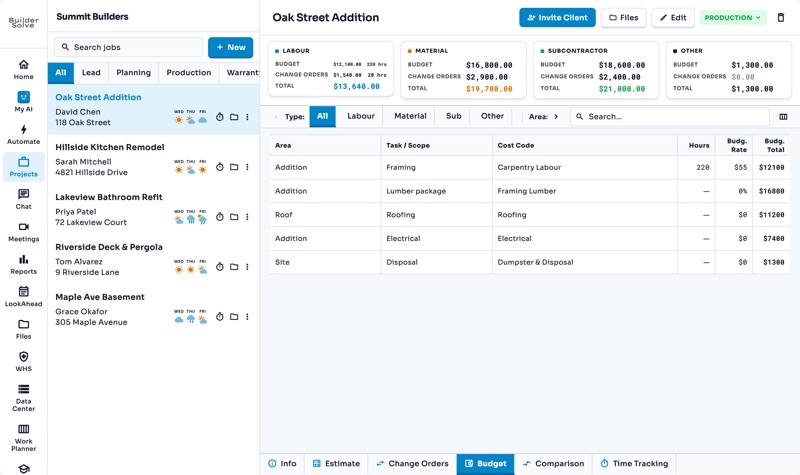
What every part of the job should cost you, estimate plus approved changes.
-
Budget vs actual on the go
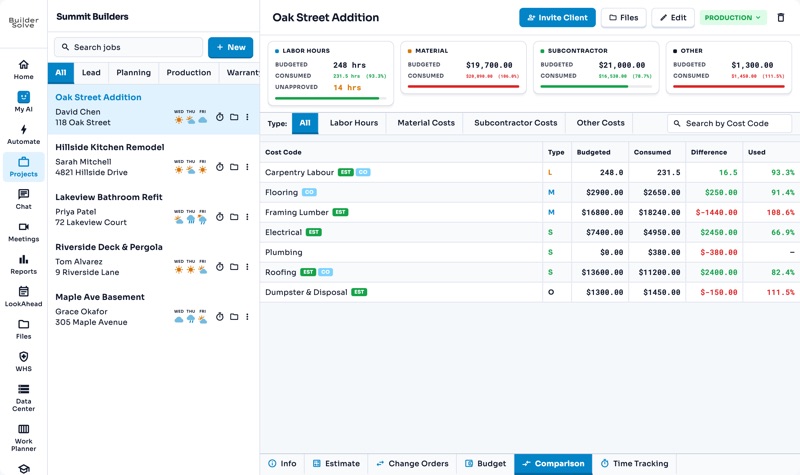
What each cost code has used against its budget, synced with your financial platform, so you catch an overrun early.
-
Reports
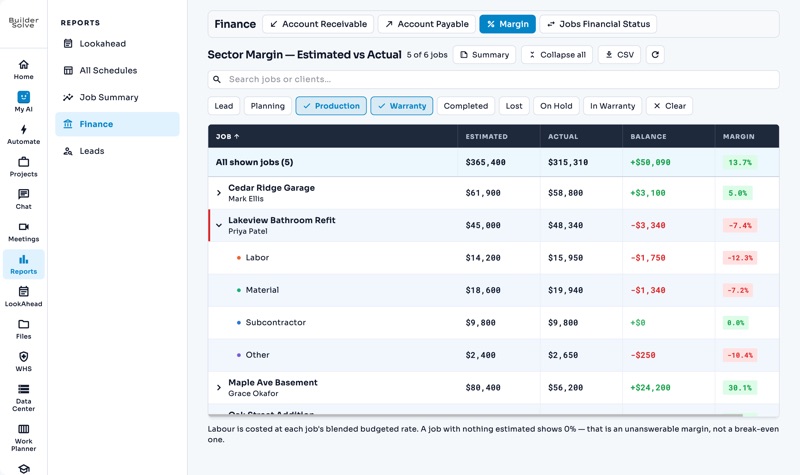
Margin, receivables, schedules and leads across every job, filtered and exported.
-
Integrate with your finance platform
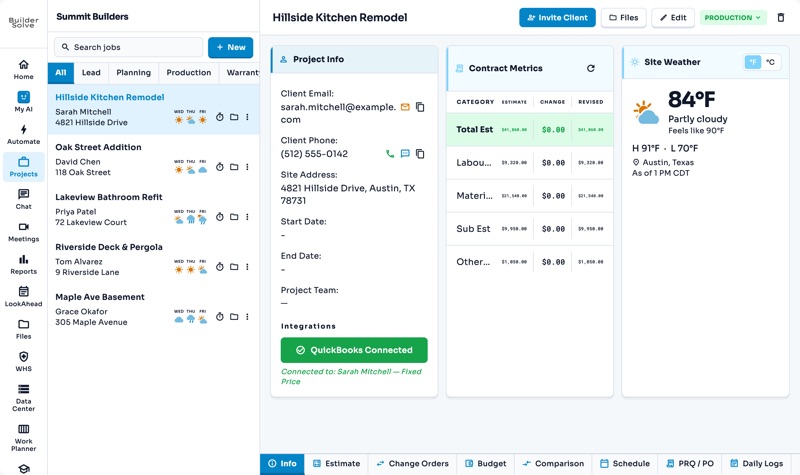
Connect QuickBooks or Xero, link each job, and sync what has been spent.
See it on your own jobs.
Let's start building.
Every feature is in the trial, with your data, from day one.