Client Portal
Each client signs in to their own portal to follow their job: status, money, payment milestones, this week’s schedule, documents, daily logs and a chat with your team.
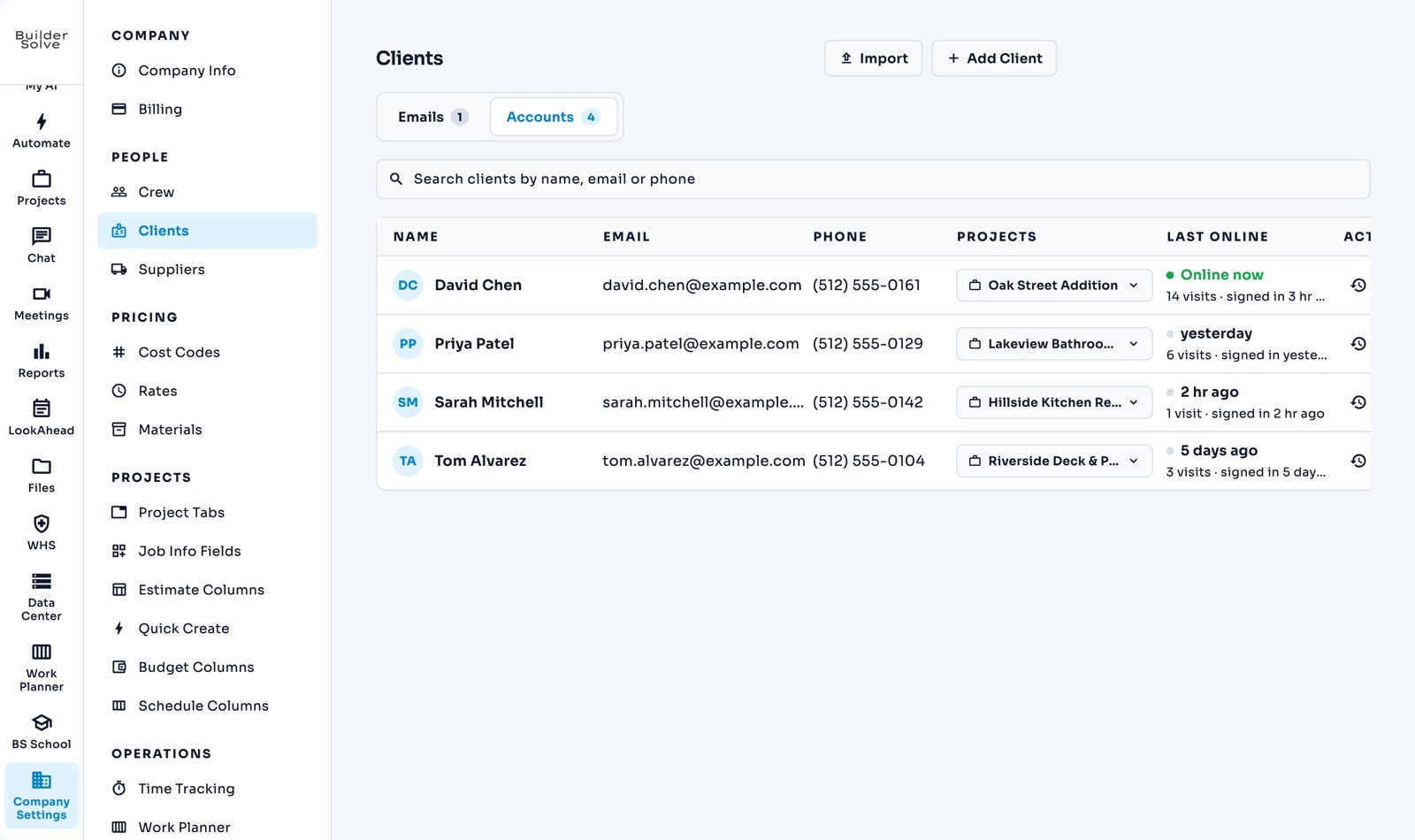
What it does
-
Their job and the money
Estimate, change orders, paid and remaining.
-
Payment milestones
What has been paid, what is due next, and what starts on site soon.
-
This week’s schedule
Straight from the job’s schedule, so they never have to call to ask.
-
Documents and logs
Files you share, their change orders with status, and your crew’s site notes.
-
Client chat
When they write, your team answers from the job’s chat.
-
You choose what they see
Pick the sections per client, and preview the portal exactly as they see it.
More in Team & clients
-
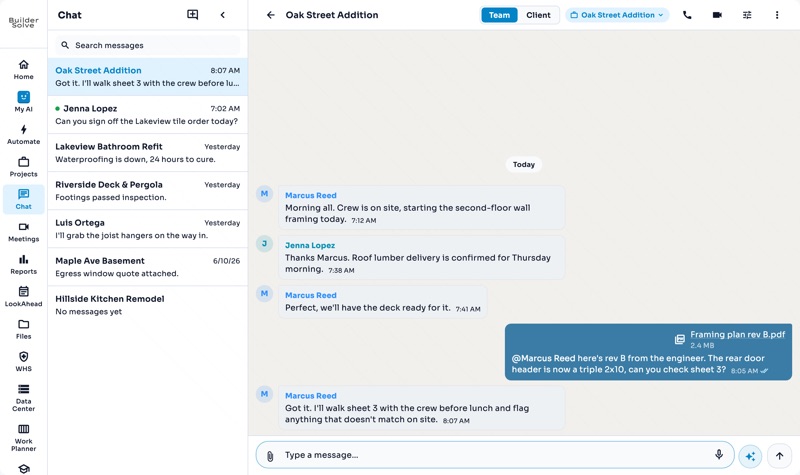
Team chat
A chat for every job, files attached, @mentions, and a call one click away.
-
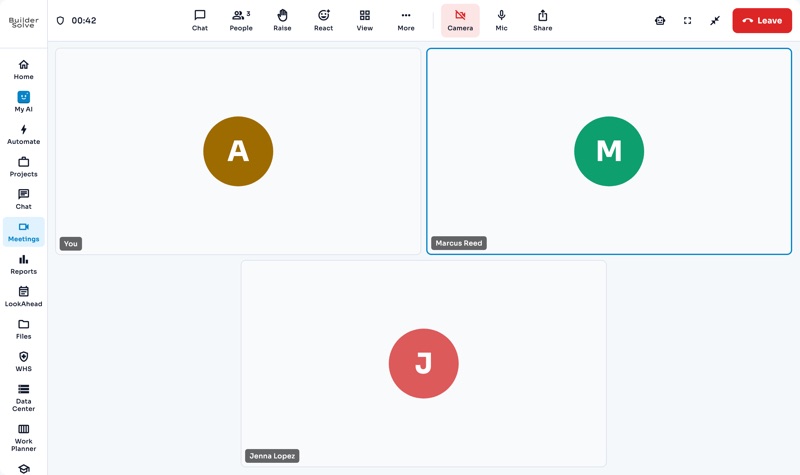
Video meetings
Book a video meeting, invite the crew, and bring in an outsider by link.
-
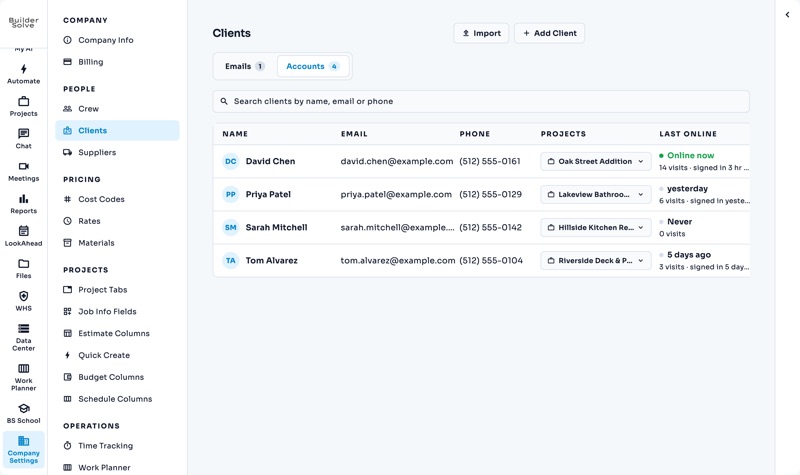
Clients
Turn a job’s client email into a login, linked to the jobs they can see.
-
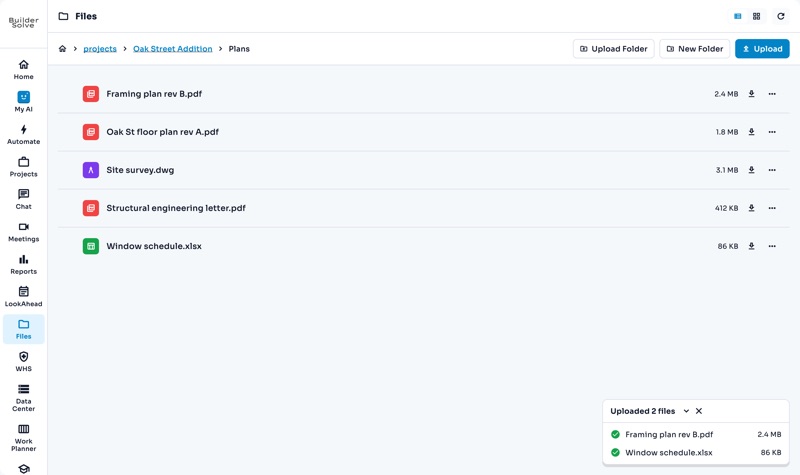
Files
One library for the company, a folder for every job, and drawings that open in place.
-
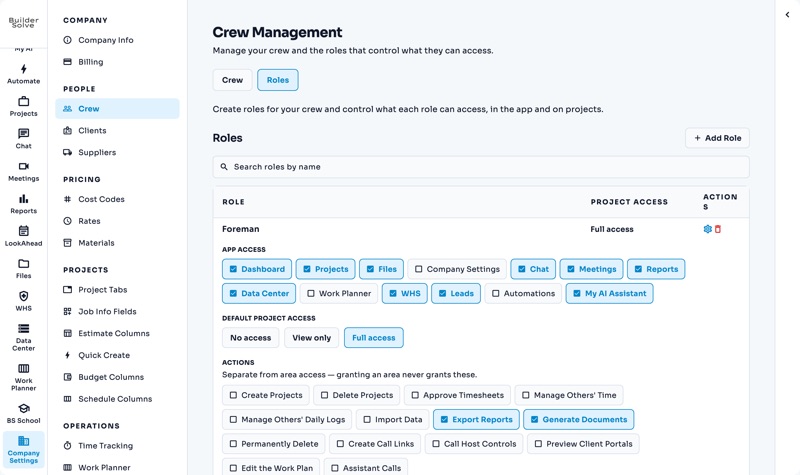
Crew & roles
A login for everyone, and roles that decide what each person sees and does.
See it on your own jobs.
Let's start building.
Every feature is in the trial, with your data, from day one.