We manage your construction business.
Office, software and AI automation.

A trained construction back office without the headcount, and one platform that runs the job from first lead to final punchlist.

Schedules
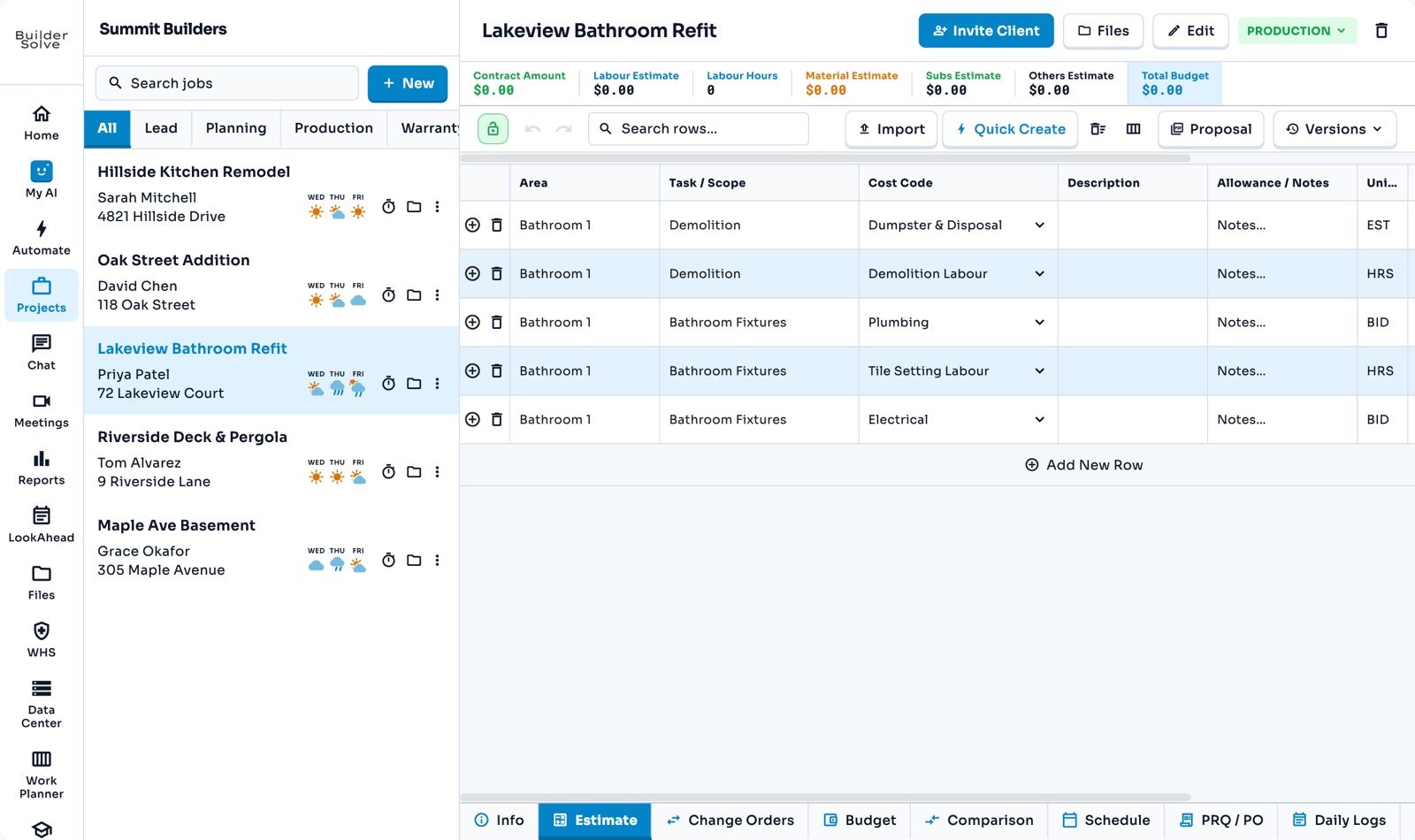
Line-item estimates
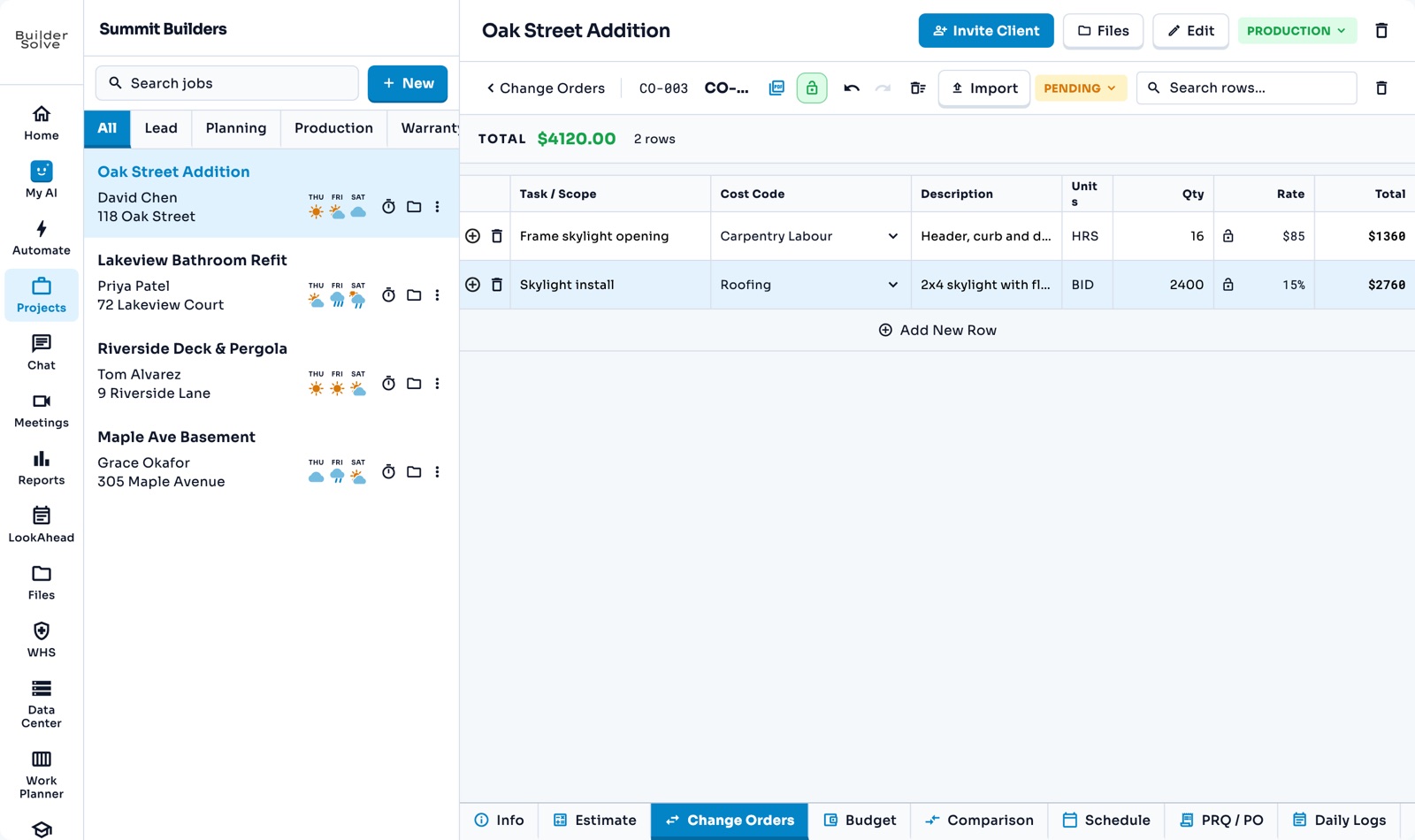
Change orders
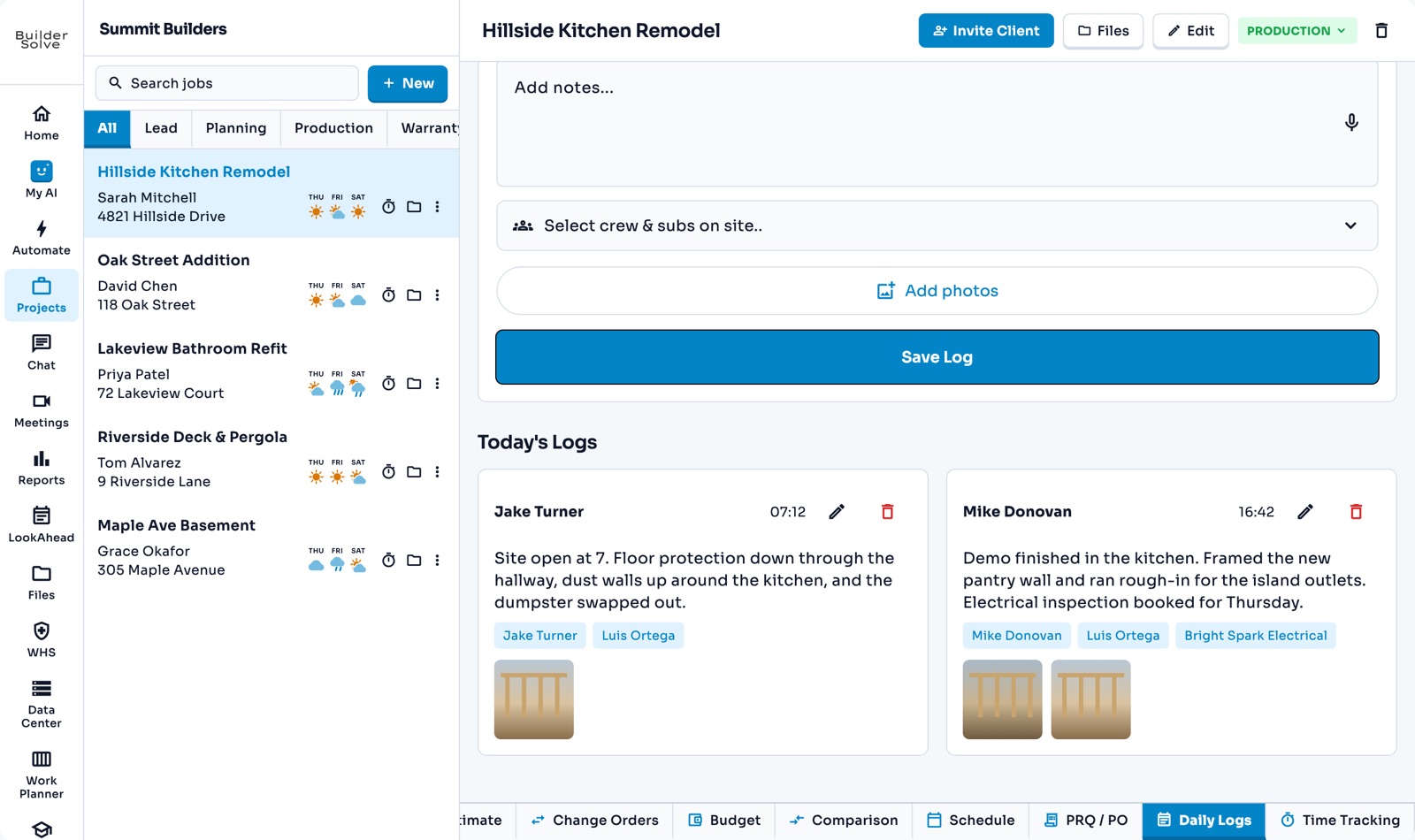
Daily logs
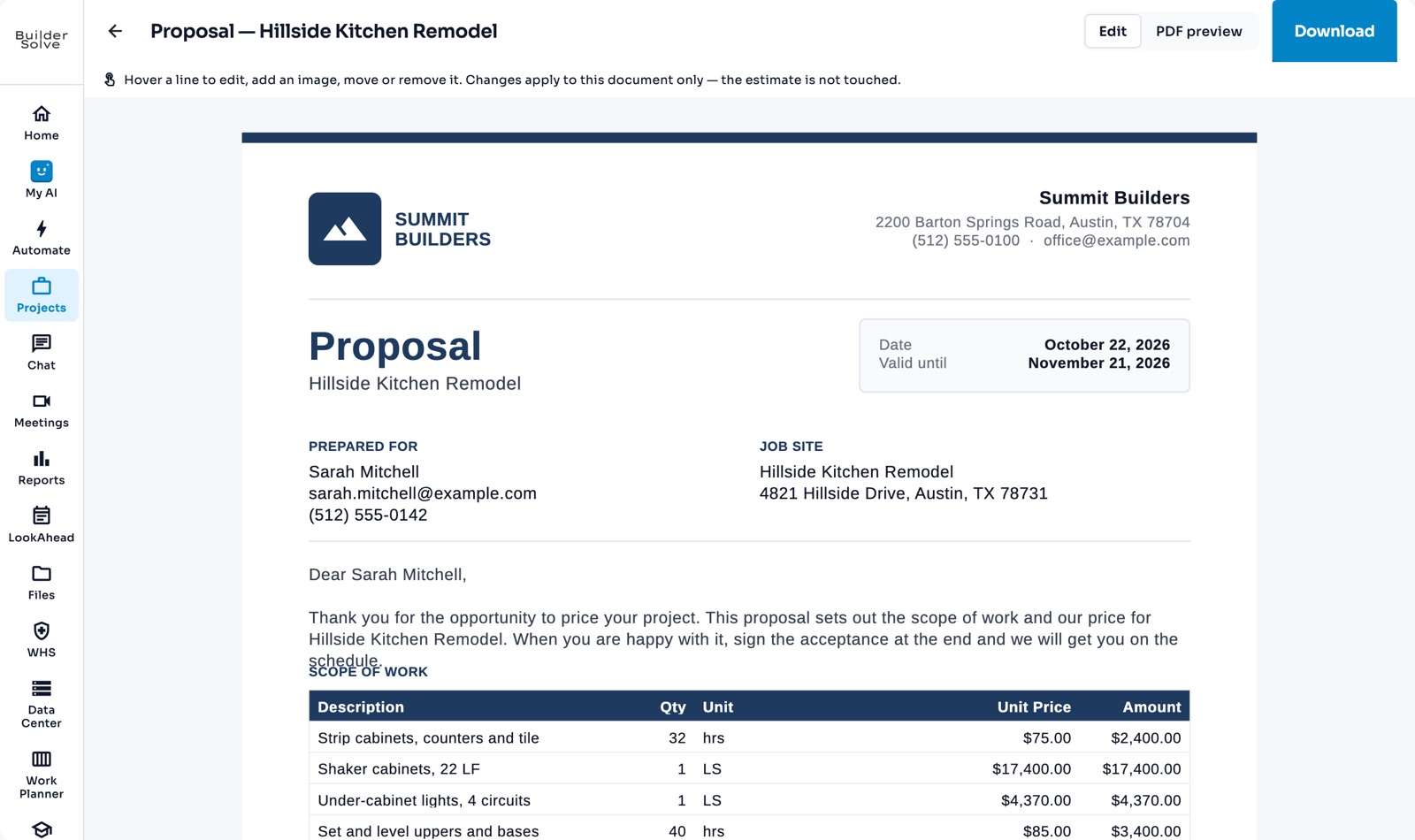
Proposals
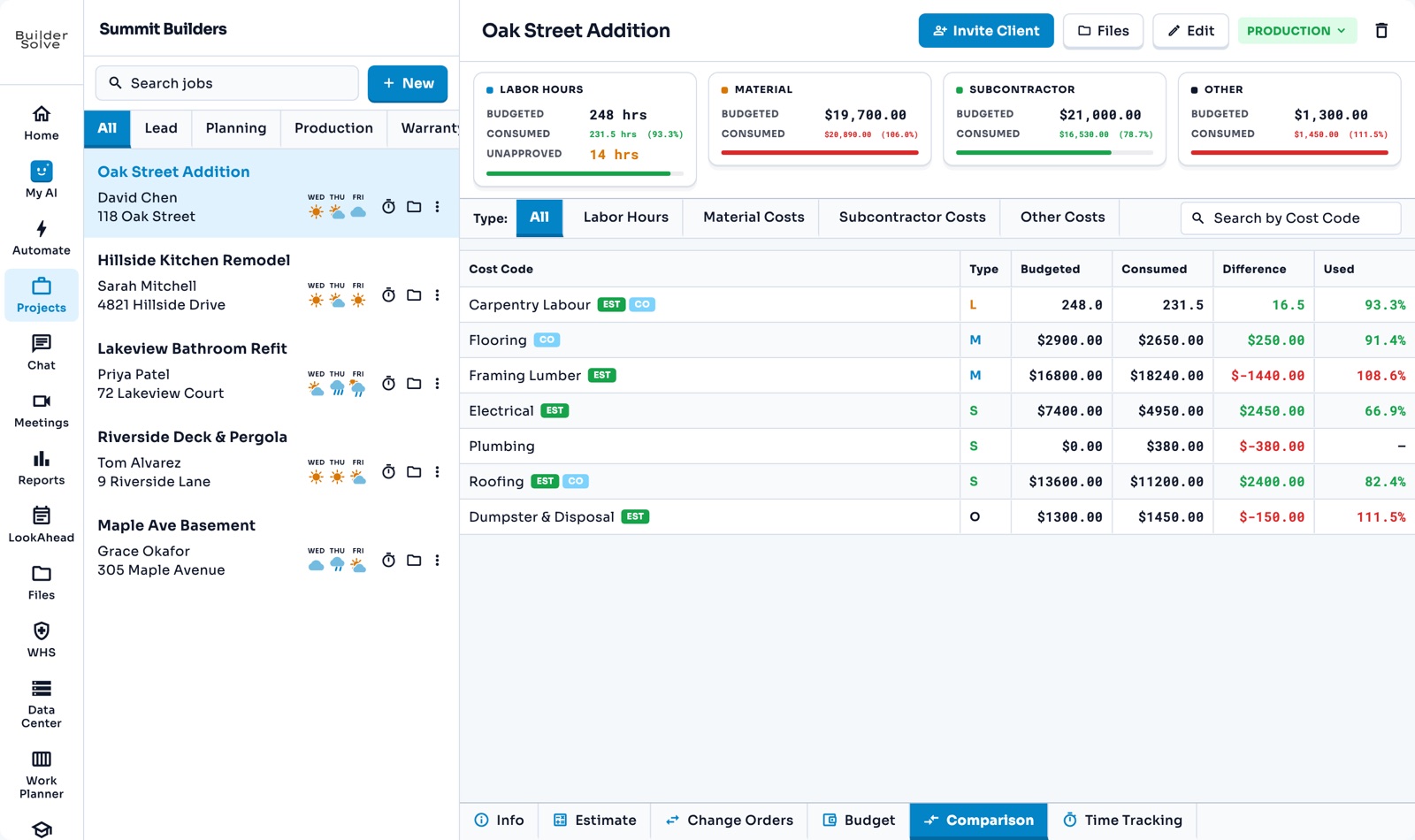
Budgets
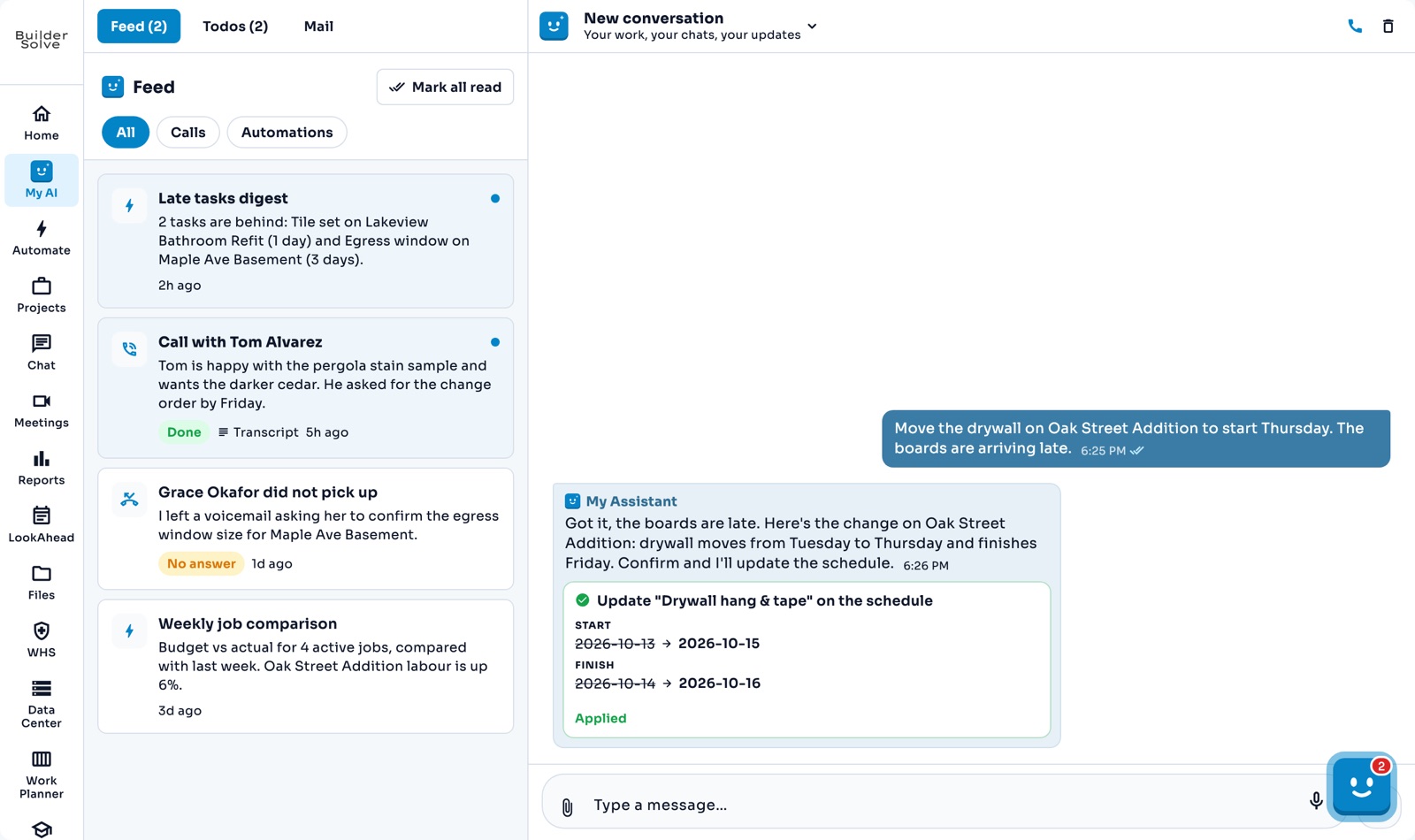
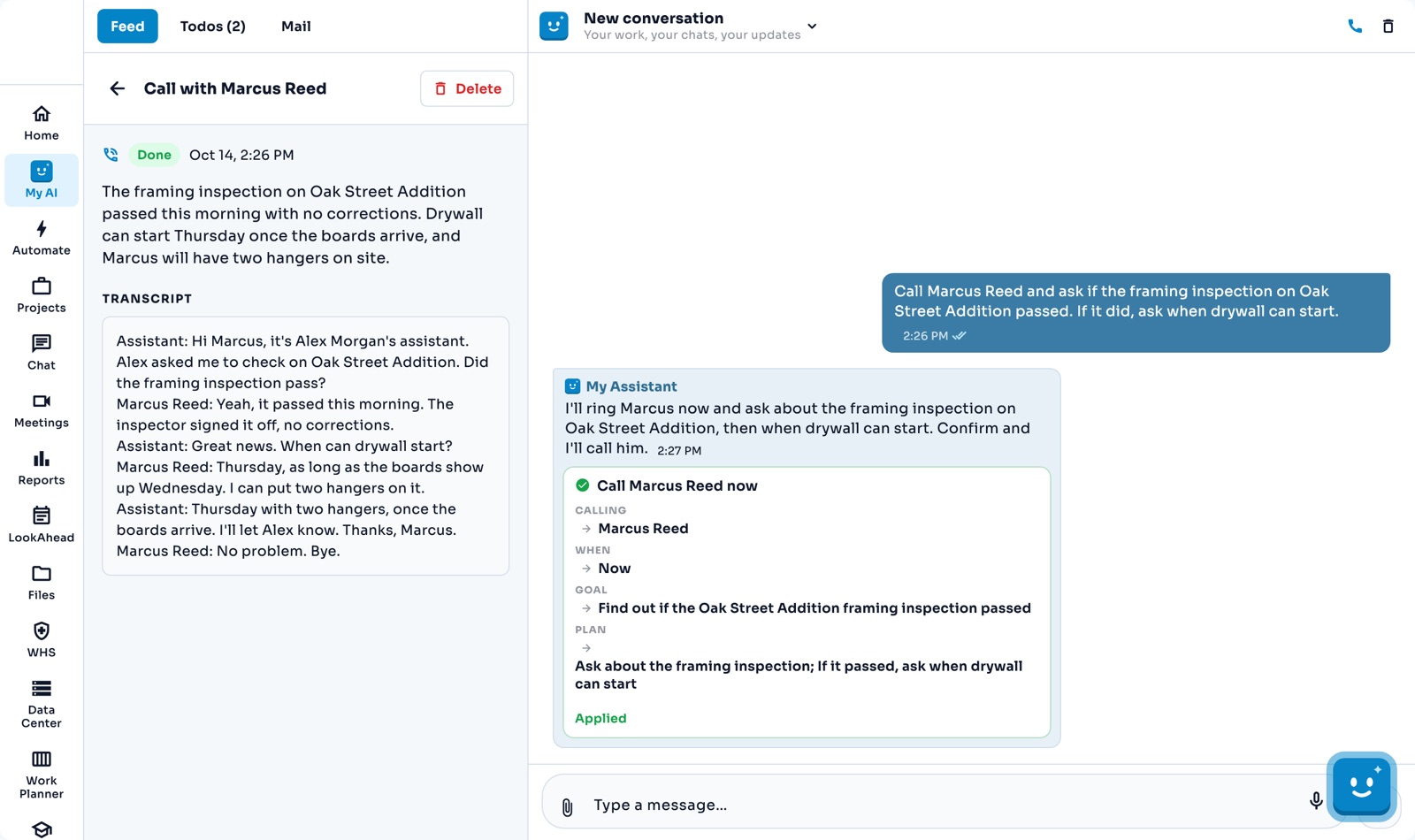
My AI Assistant
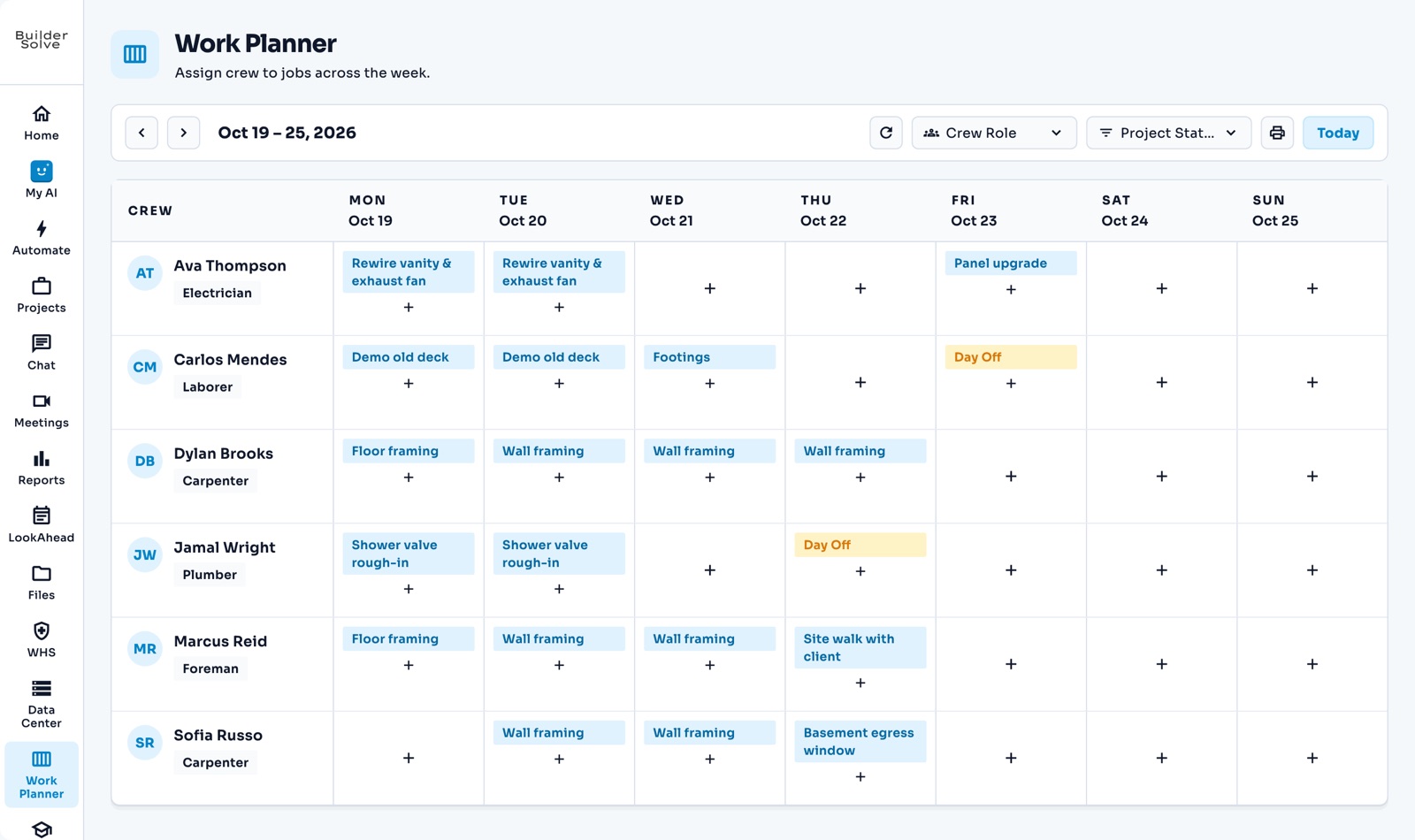
Work Planner
AI on the estimate
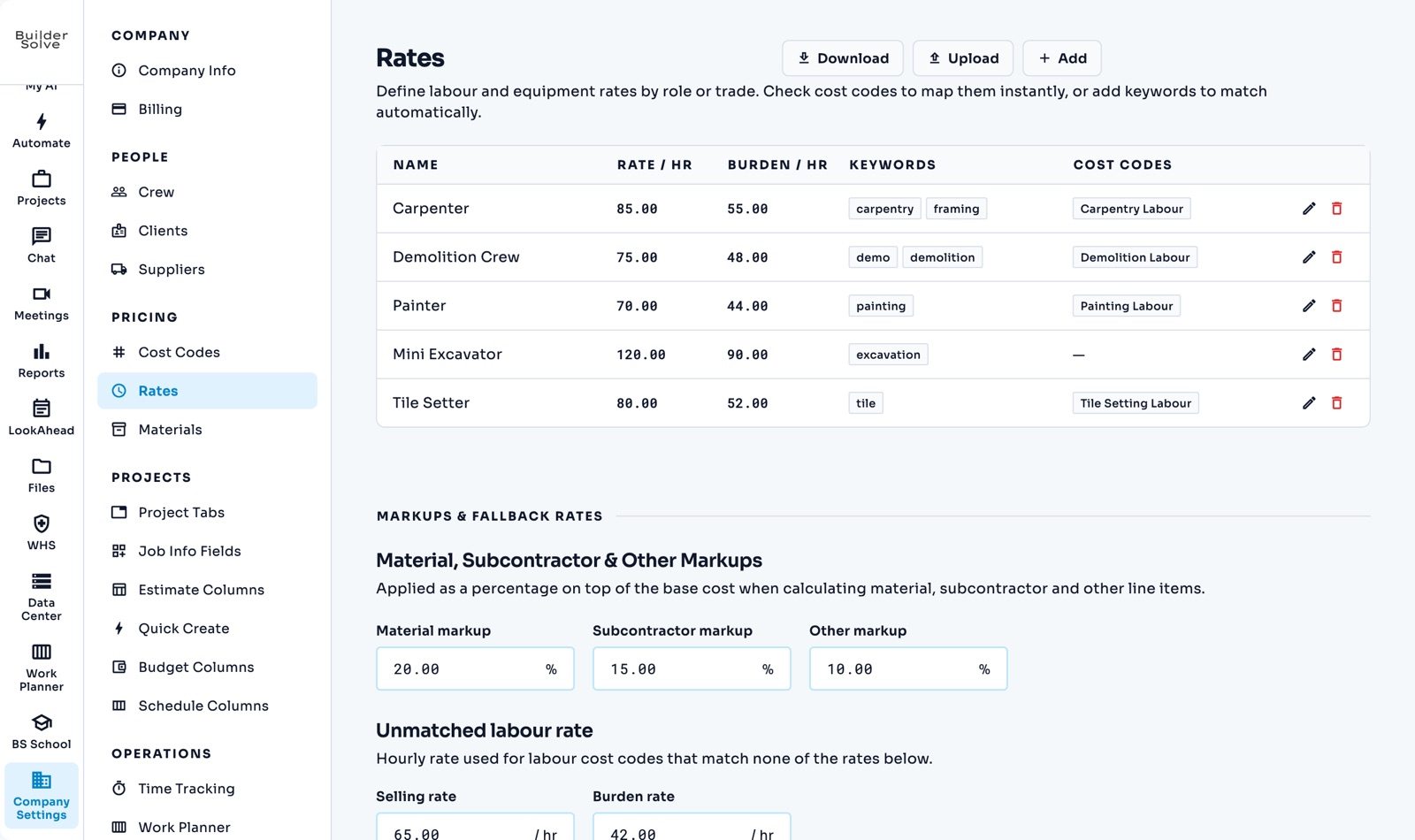
Cost codes, rates & materials
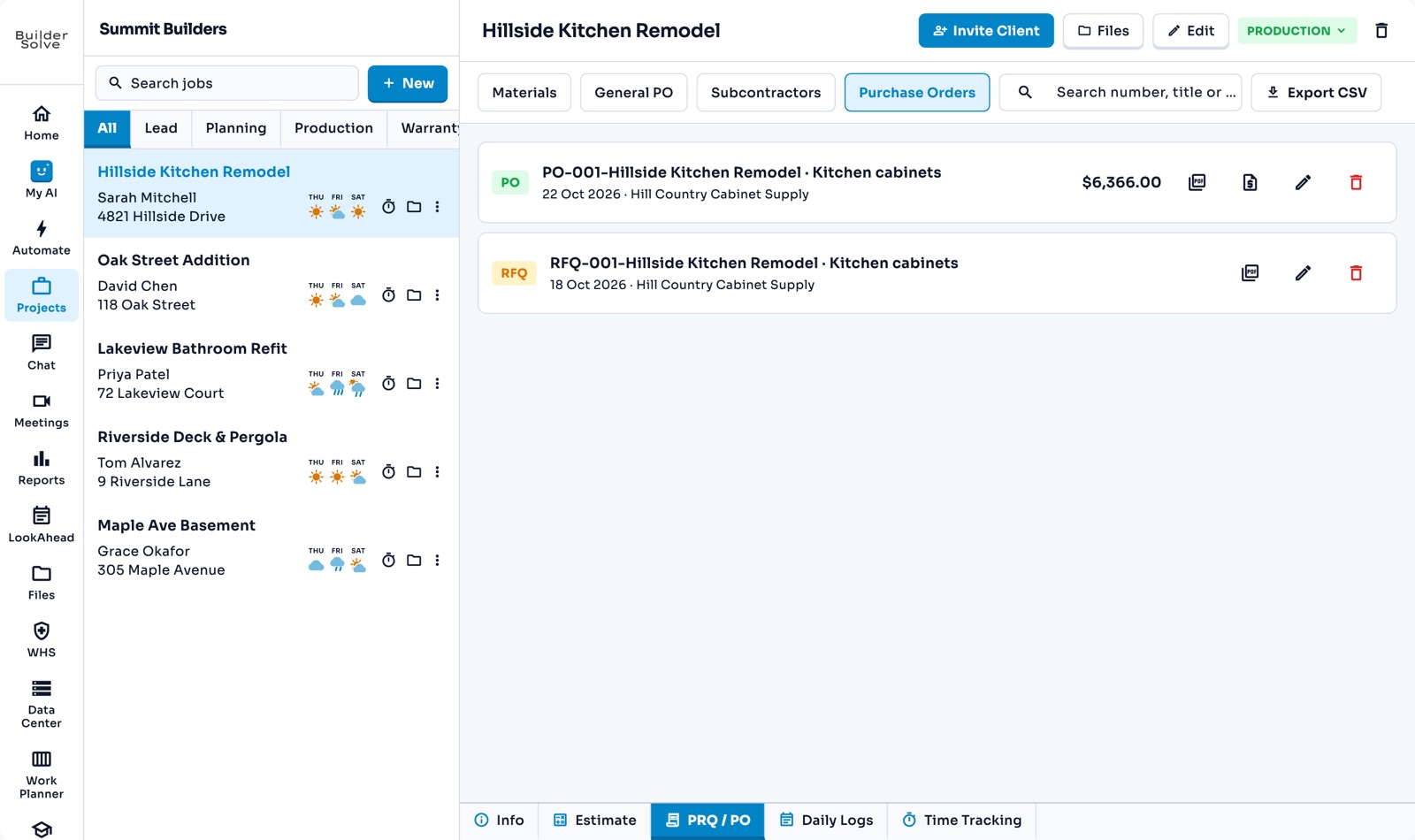
Purchase orders
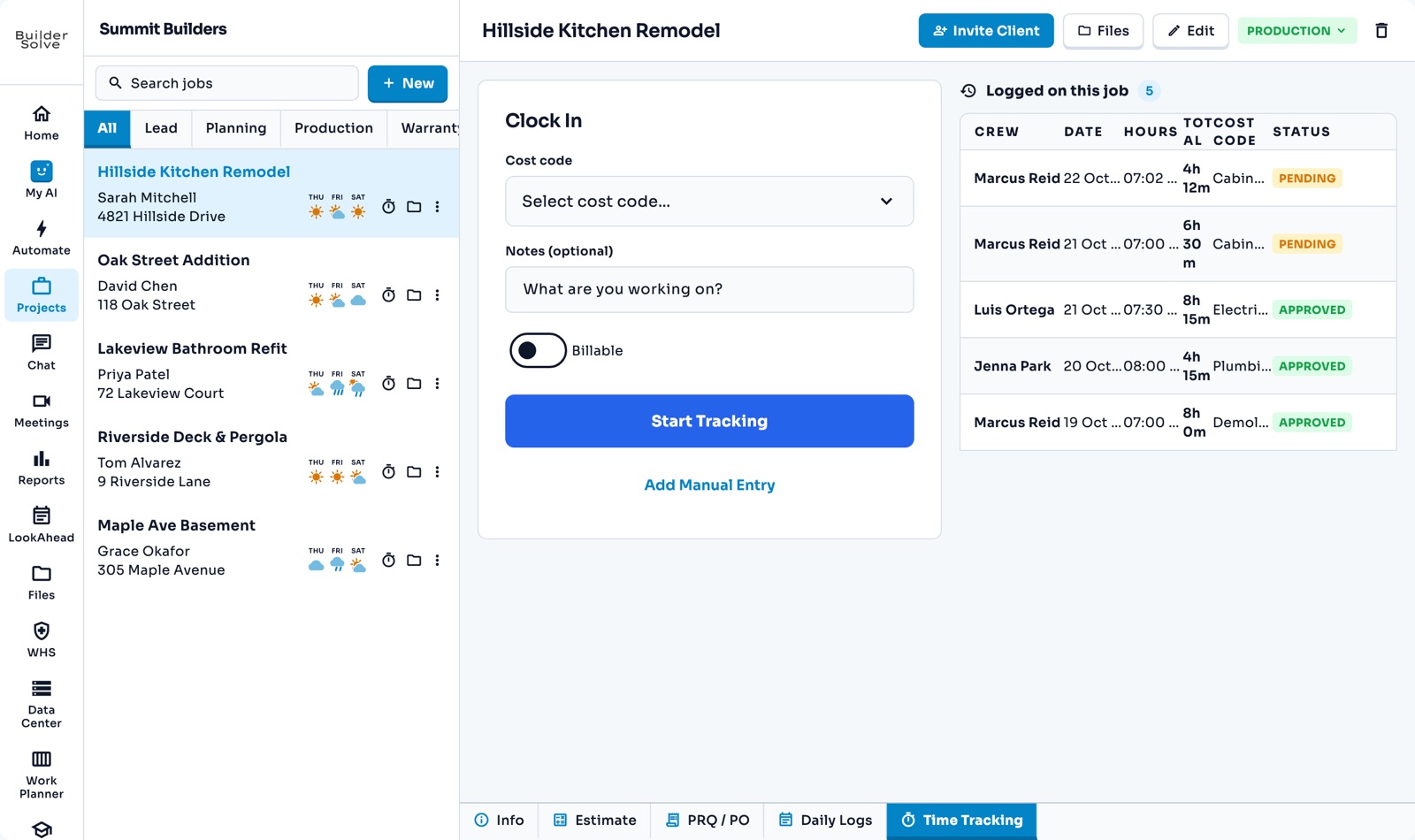
Time tracking
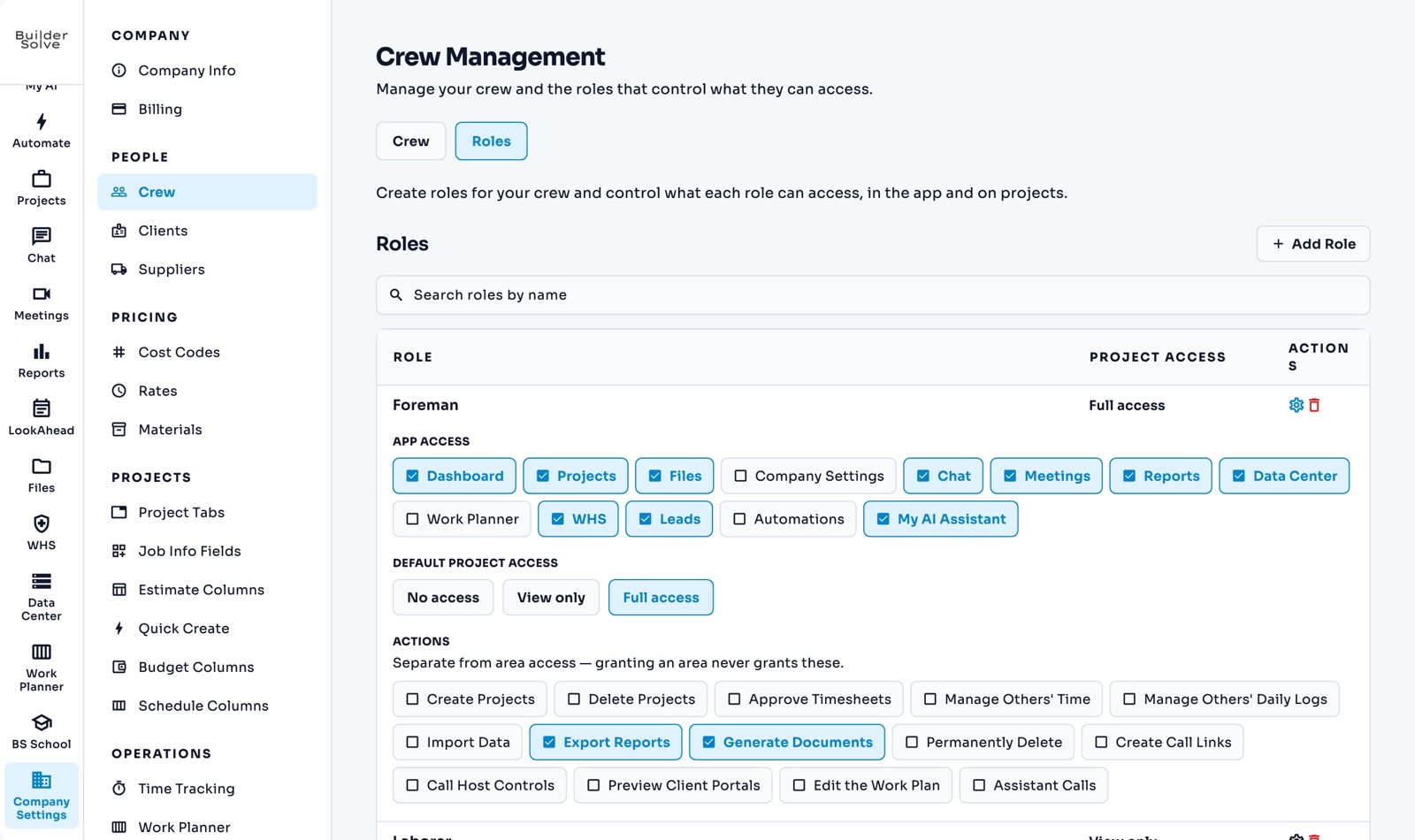
Crew & roles
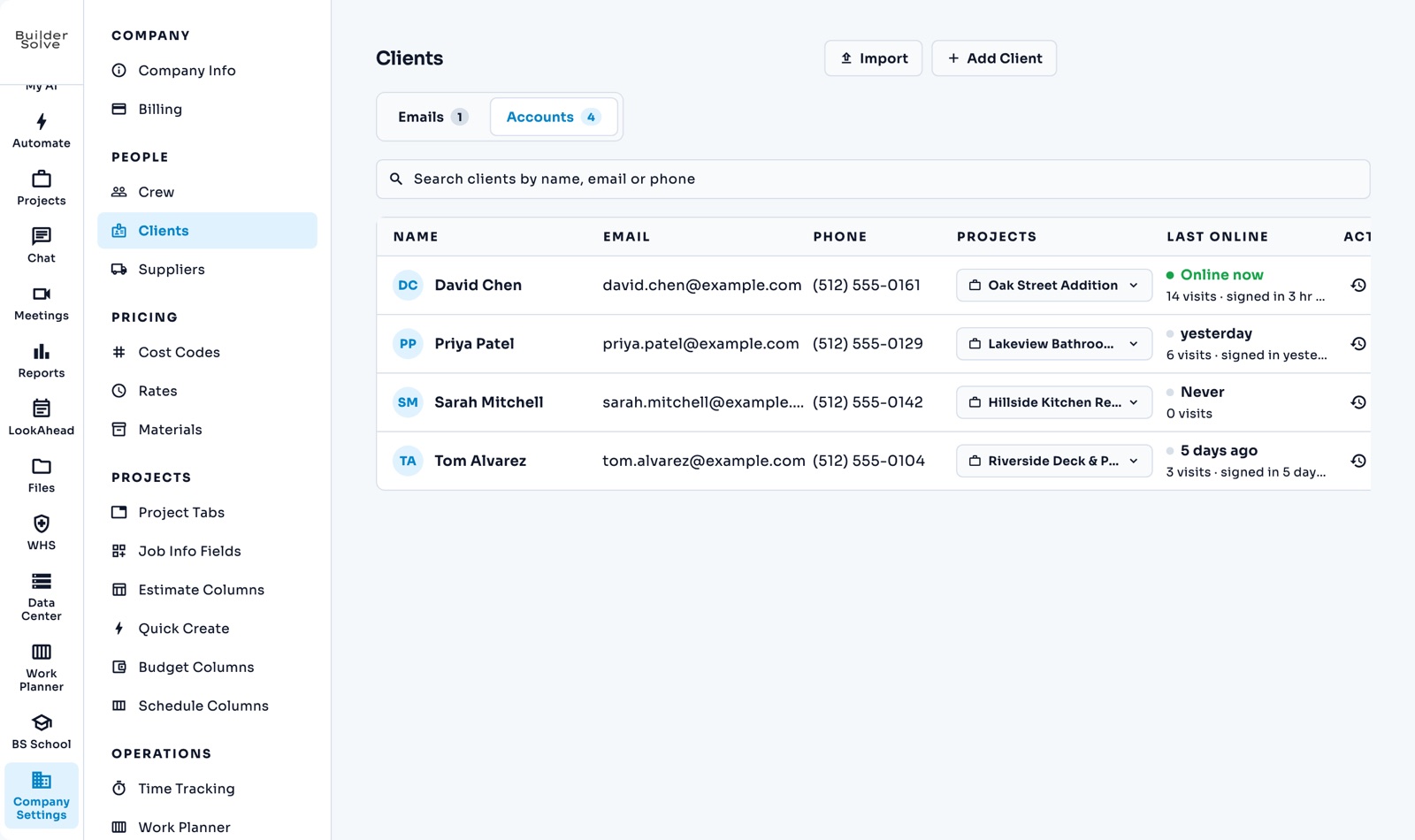
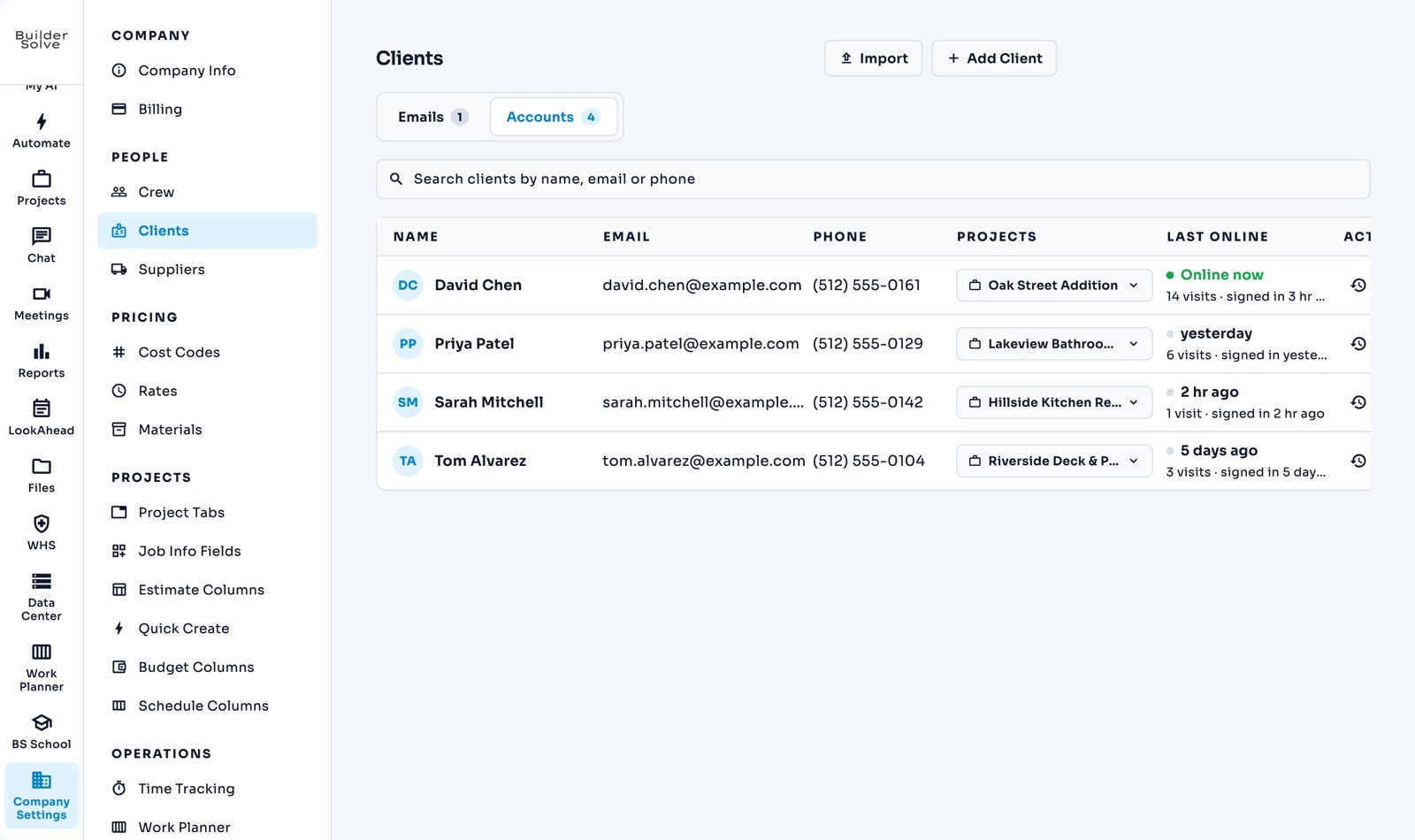
Clients
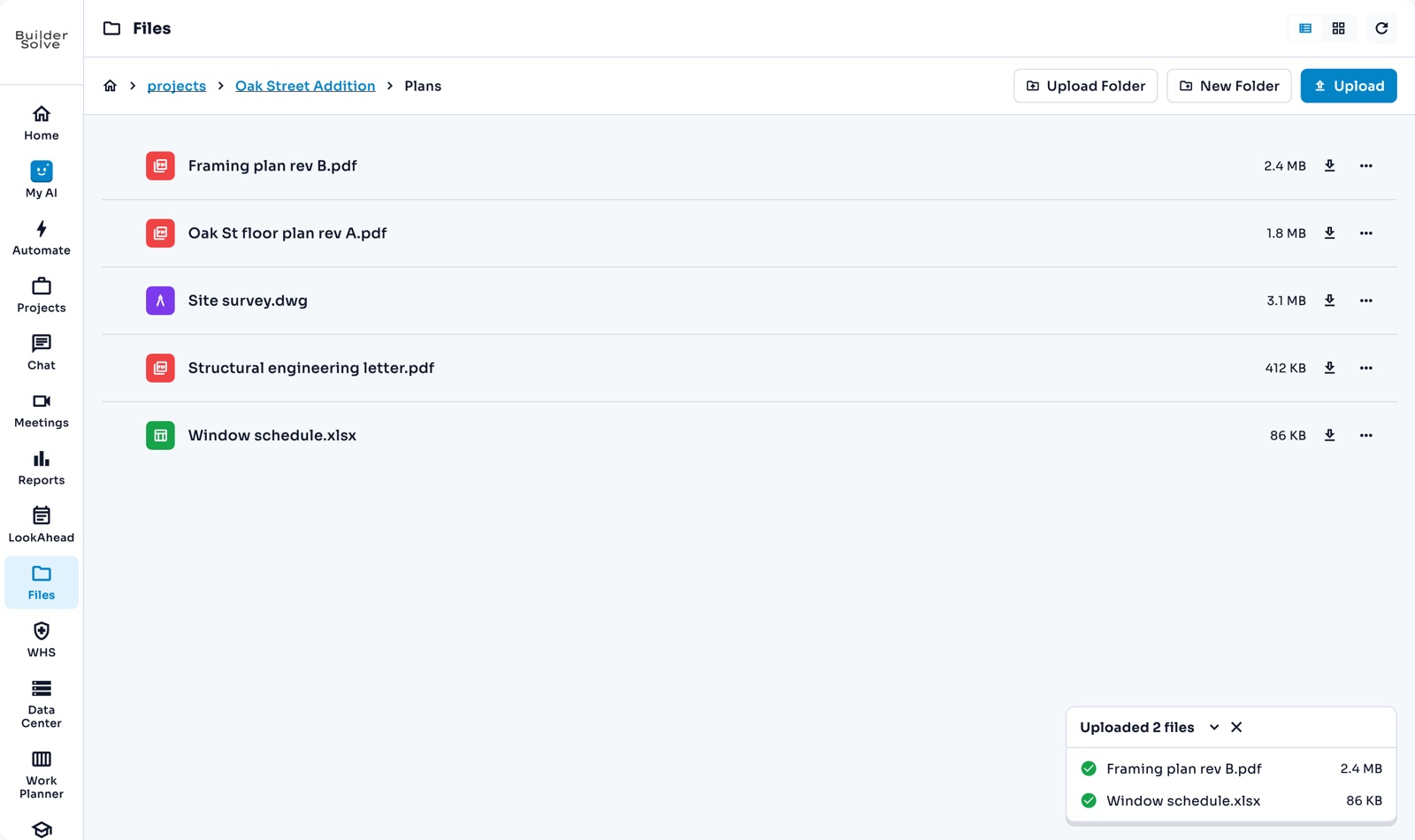
Files
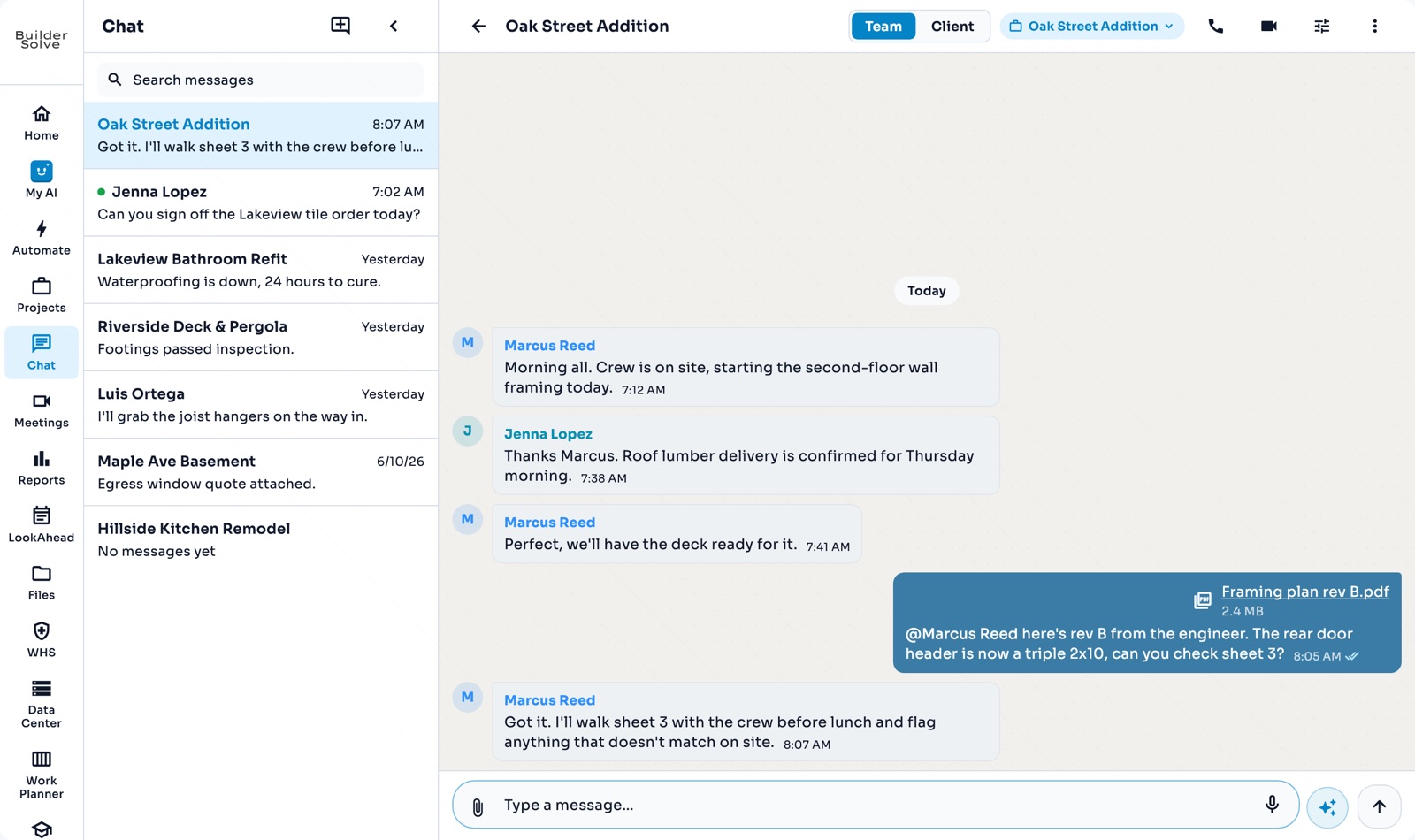
Team chat
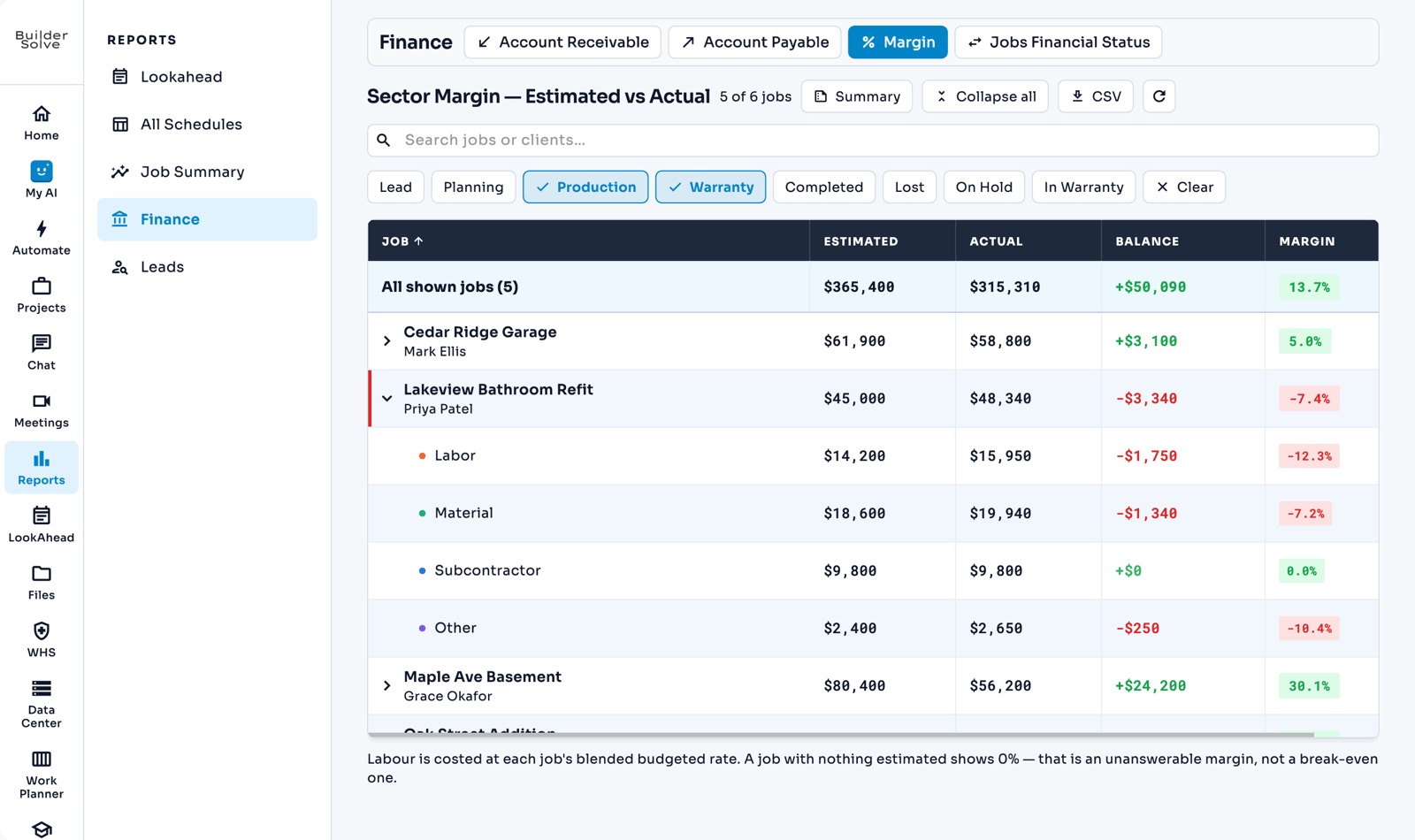
Reports
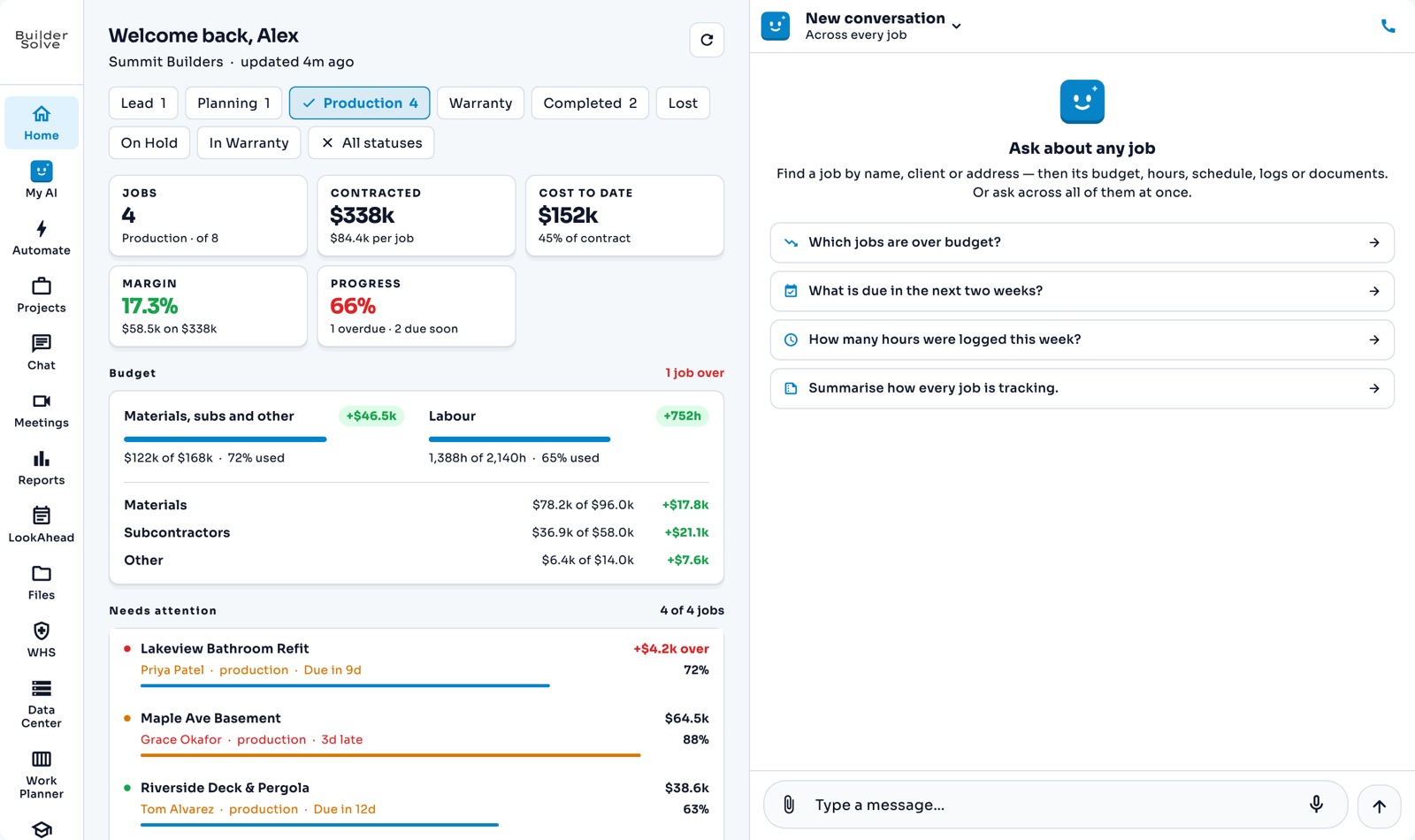
Home & Company Assistant
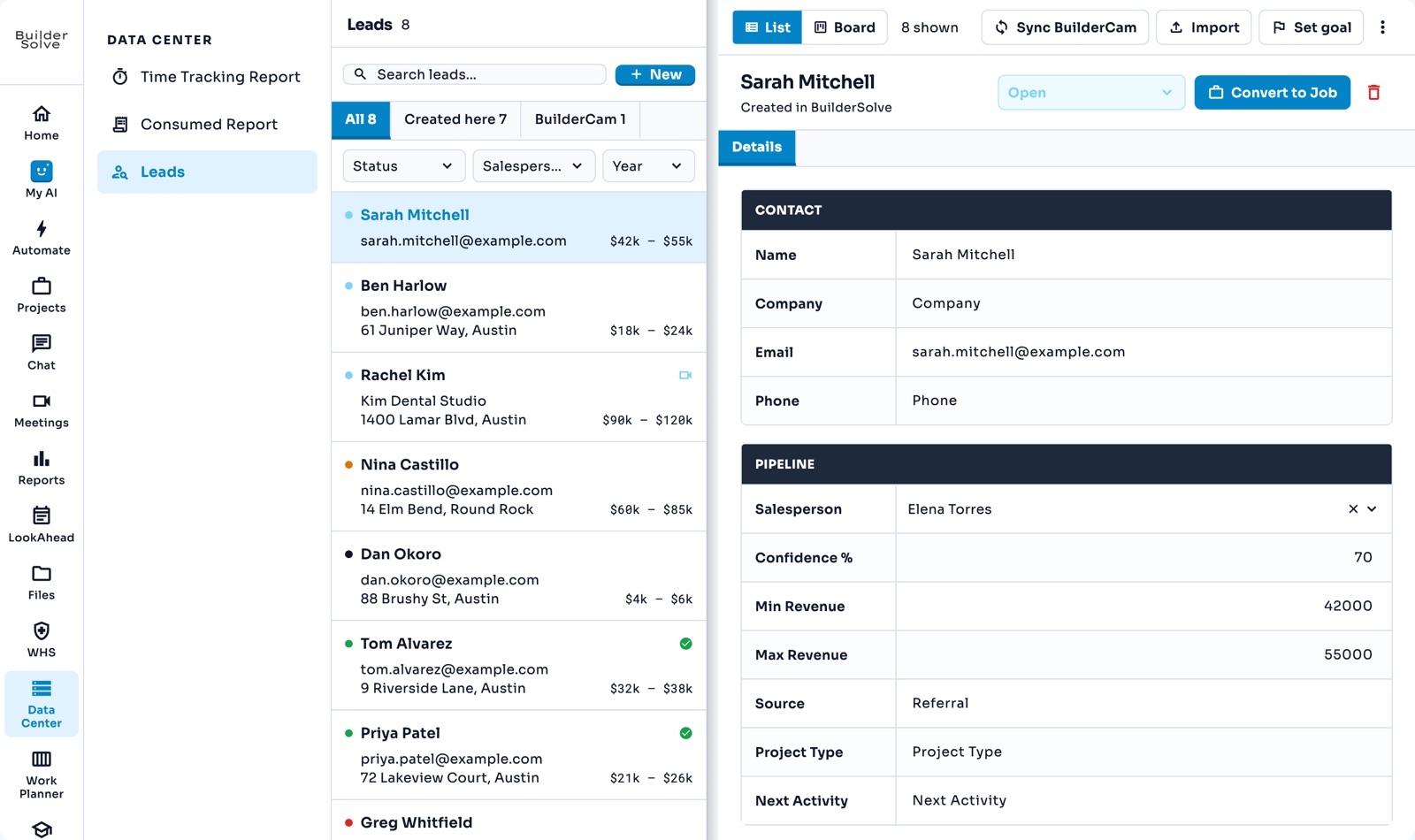
Leads
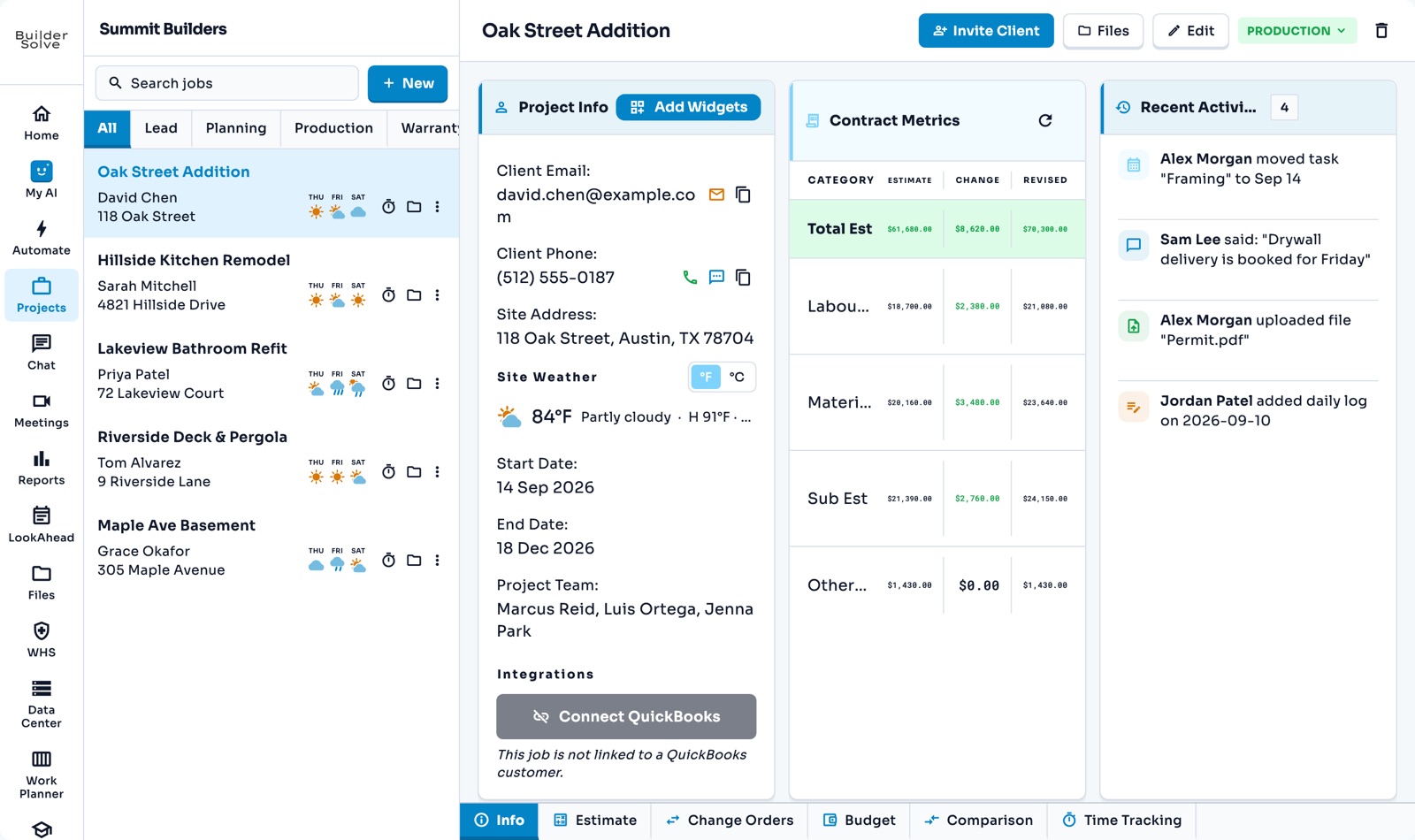
Jobs
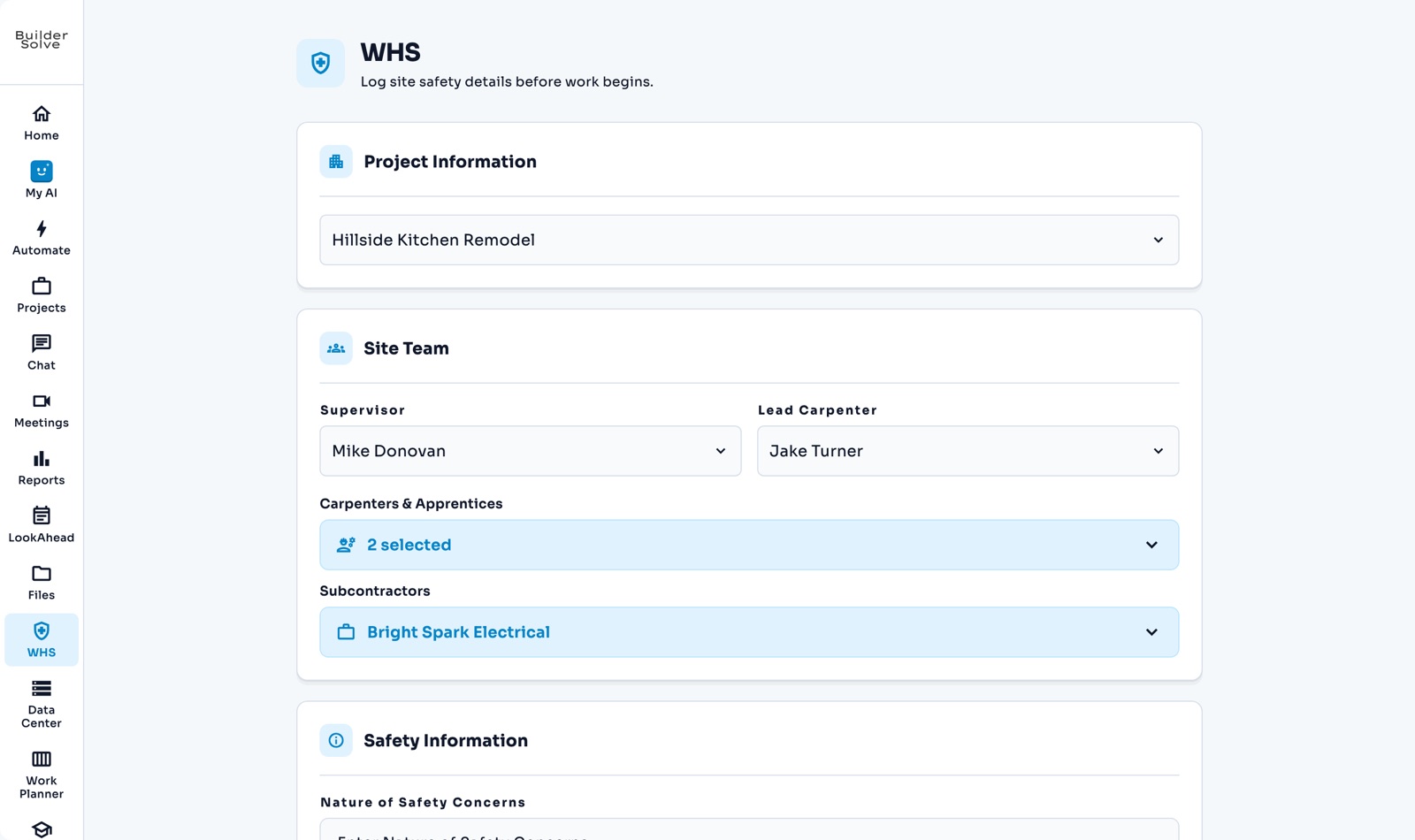
Safety reports
Client portal
Video meetings
01 Software

One platform, lead to punchlist

The estimate, the schedule and the money in one place — with AI reading the numbers back to you.

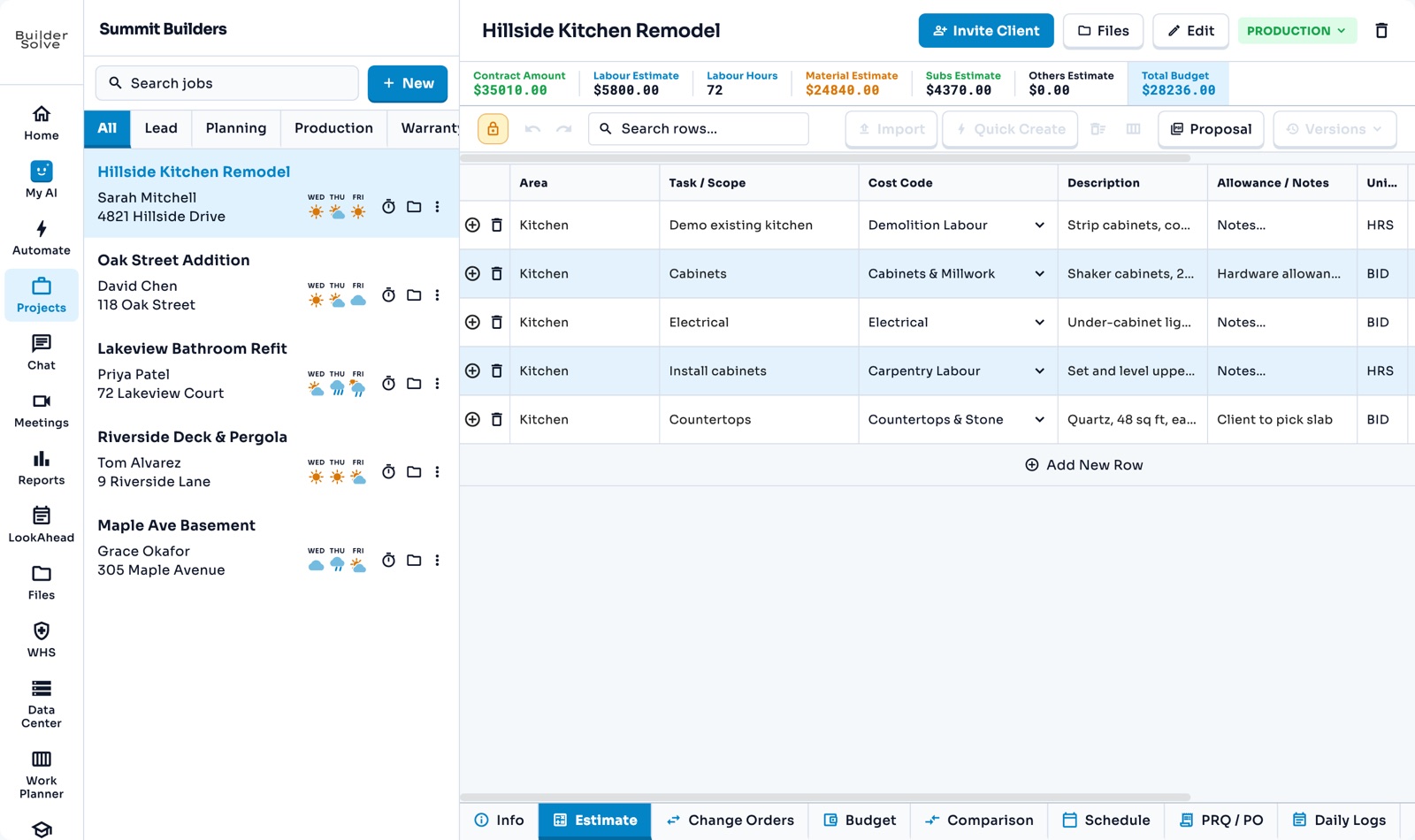
  • Estimate & bidline items, markups, proposals
  • Schedule & fieldGantt, daily logs, punchlists
  • Moneybudget vs. actual, QuickBooks
See the whole platform
02 Services

Your back office, for 60% less

A trained construction team on the estimating, the paperwork and the books — off your payroll.

  • Estimationtakeoffs, bid leveling, budgets
  • Operations & admincontracts, RFIs, lookaheads
  • FinanceAR/AP, change orders, QuickBooks
See what the team covers

Everything you need,
nothing you don't

One platform from first lead to final punchlist, with an AI that reads your jobs and does the paperwork.

AI

An assistant that does the work

Ask in plain words. It reads your jobs, prepares the change, and nothing happens until you confirm it.

    • Ask in plain words
    • Drafts emails, RFIs and change orders
    • Nothing changes until you confirm
    Learn more
    • Add, change or remove rows by asking
    • Rates from your own price list
    • You approve each change
    Learn more
    • Calls clients and suppliers for you
    • Shows you the plan first
    • Summary and transcript after
    Learn more
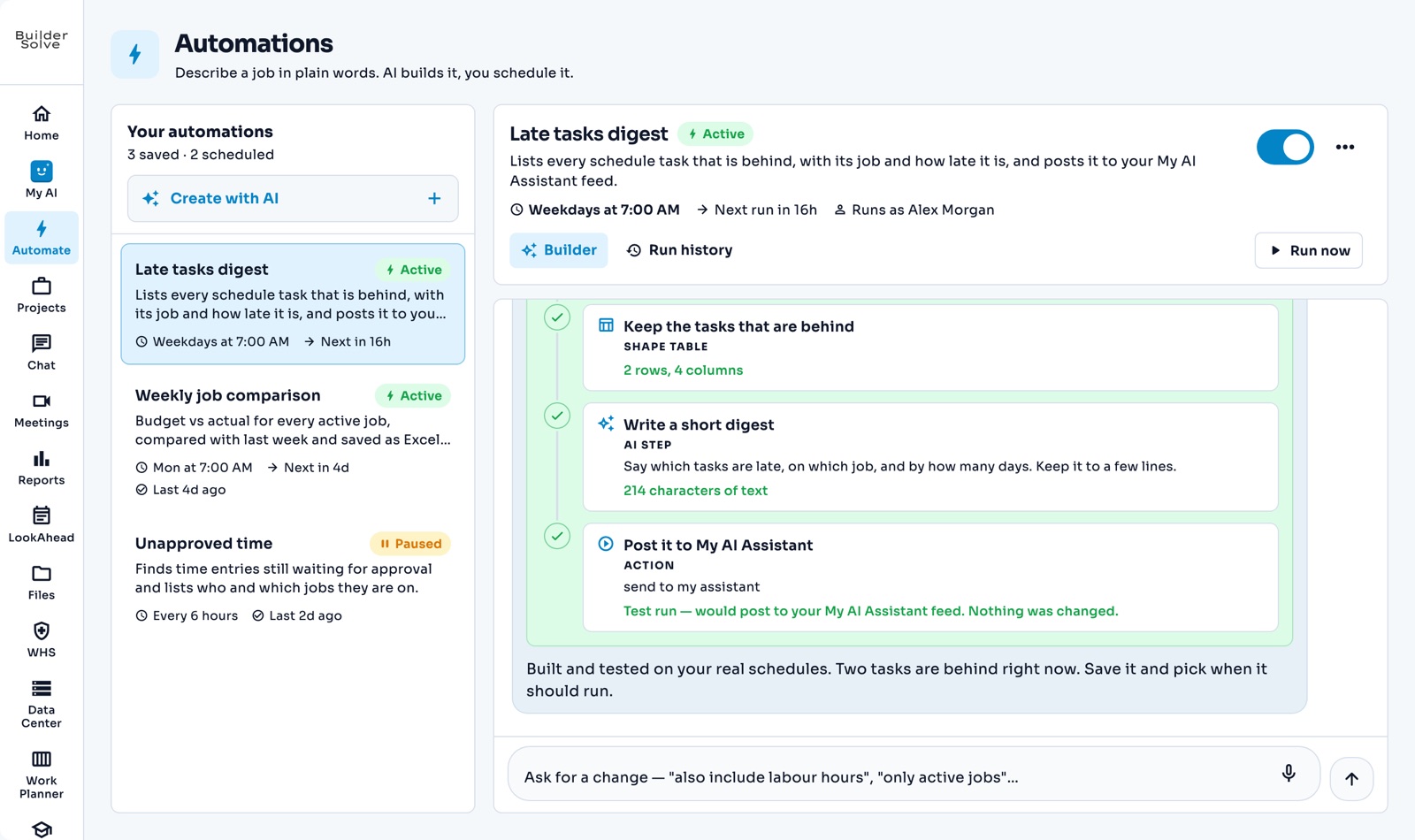
    • Describe it, no setup
    • Runs on your schedule
    • Results land in your Feed
    Learn more
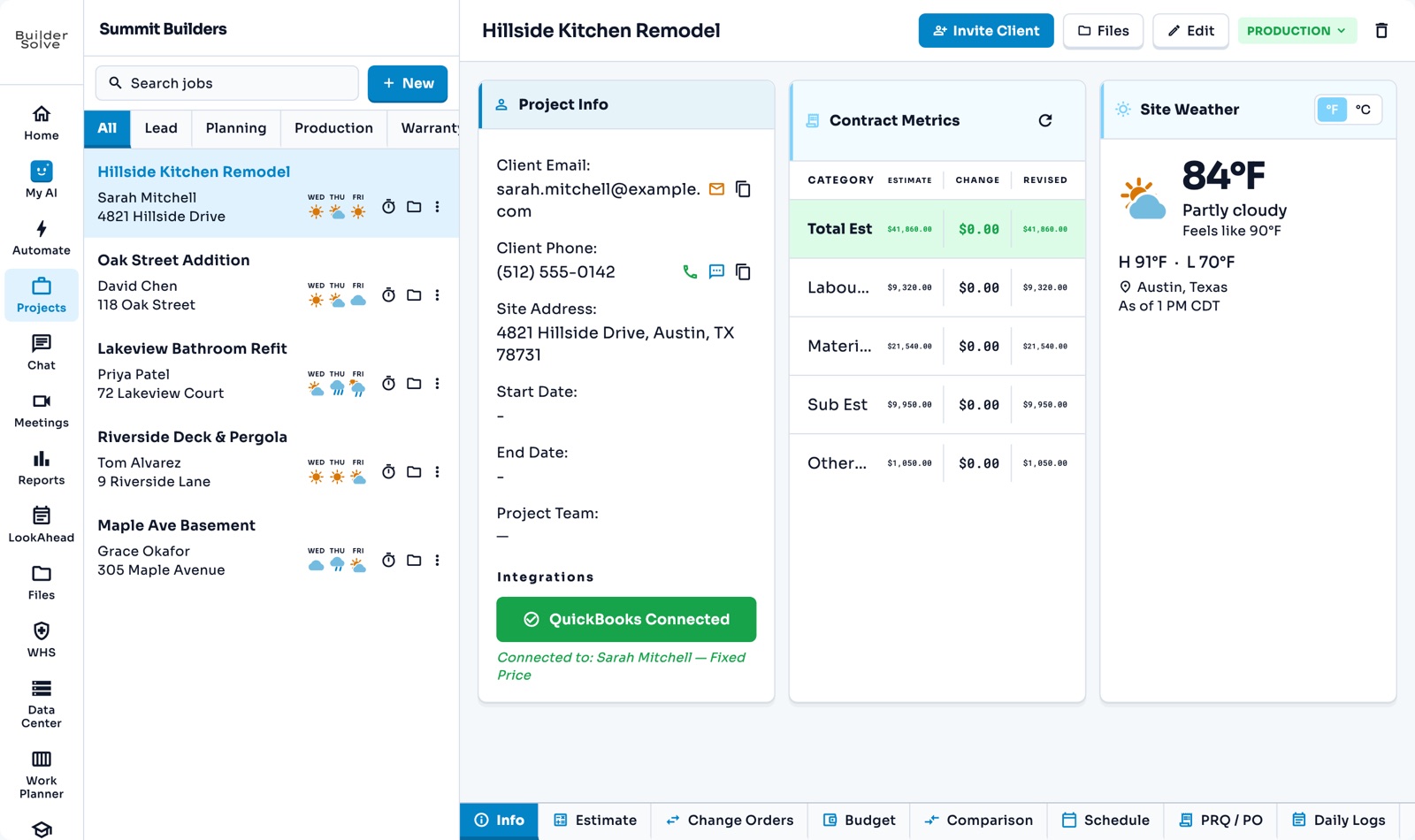
    • Headline figures across every job
    • Budget by trade
    • What needs attention today
    Learn more
Estimate & win

From the first call to a signed contract

Track the lead, price the job on your own rates, send a branded proposal, and price every change after it.

    • Every enquiry in one pipeline
    • What each lead is worth
    • Convert to a job in one click
    Learn more
    • Rates fill themselves in
    • Markup on materials and subs
    • Versions, then a proposal
    Learn more
    • Areas and scopes set up once
    • Whole groups of lines in one go
    • Priced on the job’s rates
    Learn more
    • Built from the estimate
    • Your logo and layout
    • Preview, then download
    Learn more
    • Numbered and priced for you
    • PDF ready for signature
    • Approved ones flow into the contract
    Learn more
Schedule & field

Plan the job, then run it on site

The schedule, the crew’s week, and the record of what happened on site, all on the same job.

    • Every job’s details in one place
    • Your own stages
    • Weather on every job
    Learn more
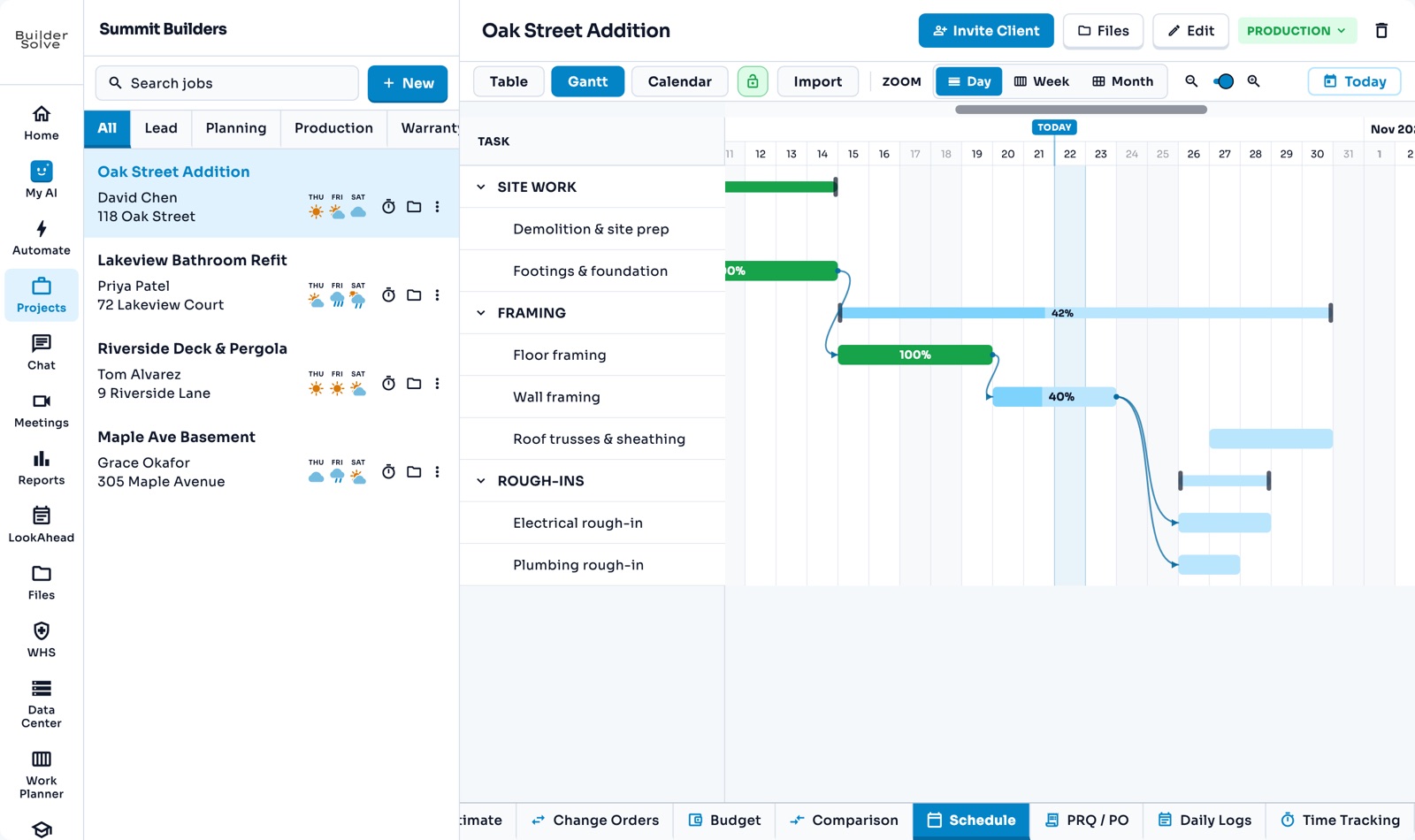
    • Table, Gantt and calendar
    • Delays flow through
    • Working days worked out for you
    Learn more
    • Yearly cash flow
    • Upcoming AR & AP
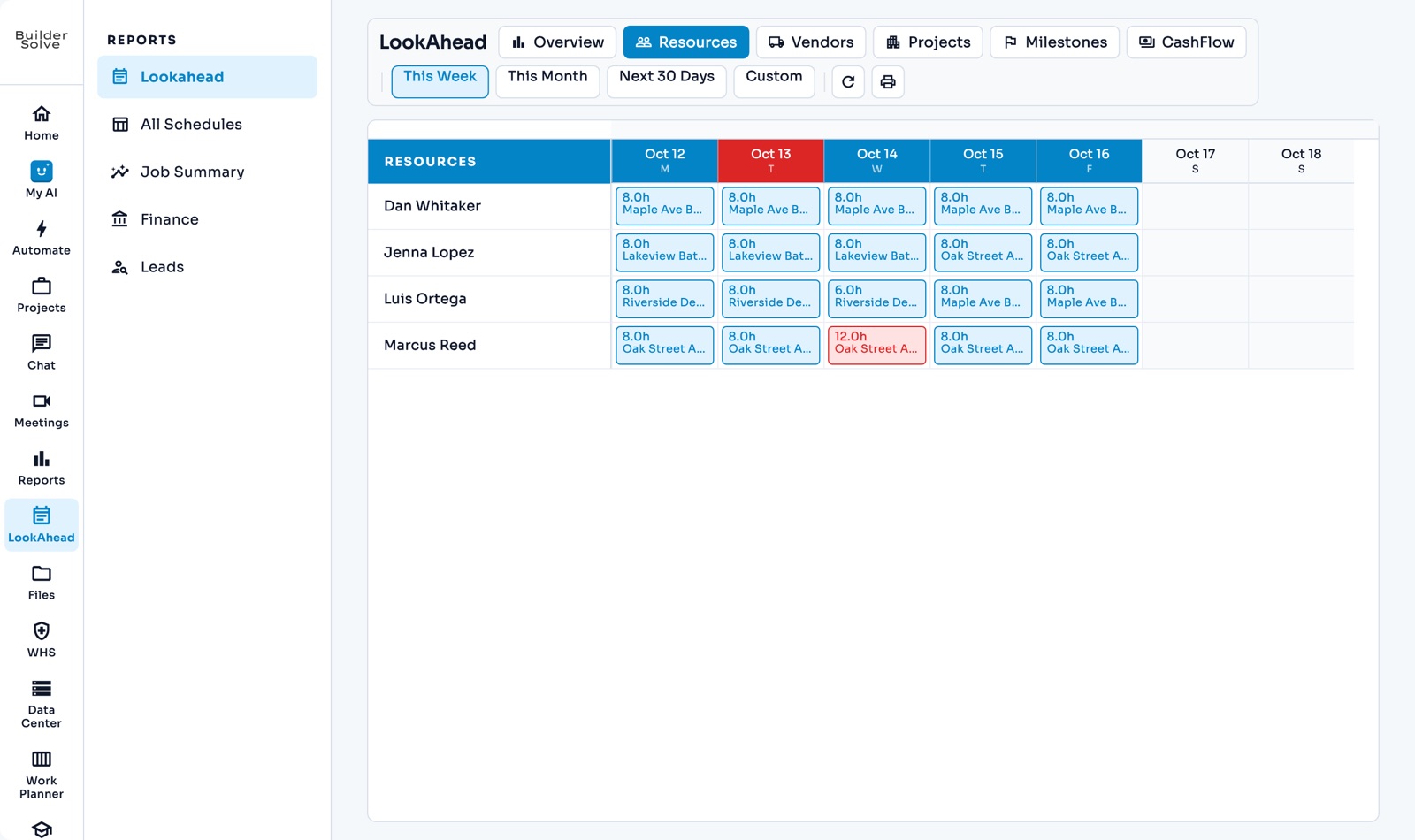
    • Resource allocation
    Learn more
    • The crew’s week on one board
    • Tasks pulled from the schedule
    • Days off at a glance
    Learn more
    • Type it or say it
    • Who was on site, with photos
    • Shared with the client
    Learn more
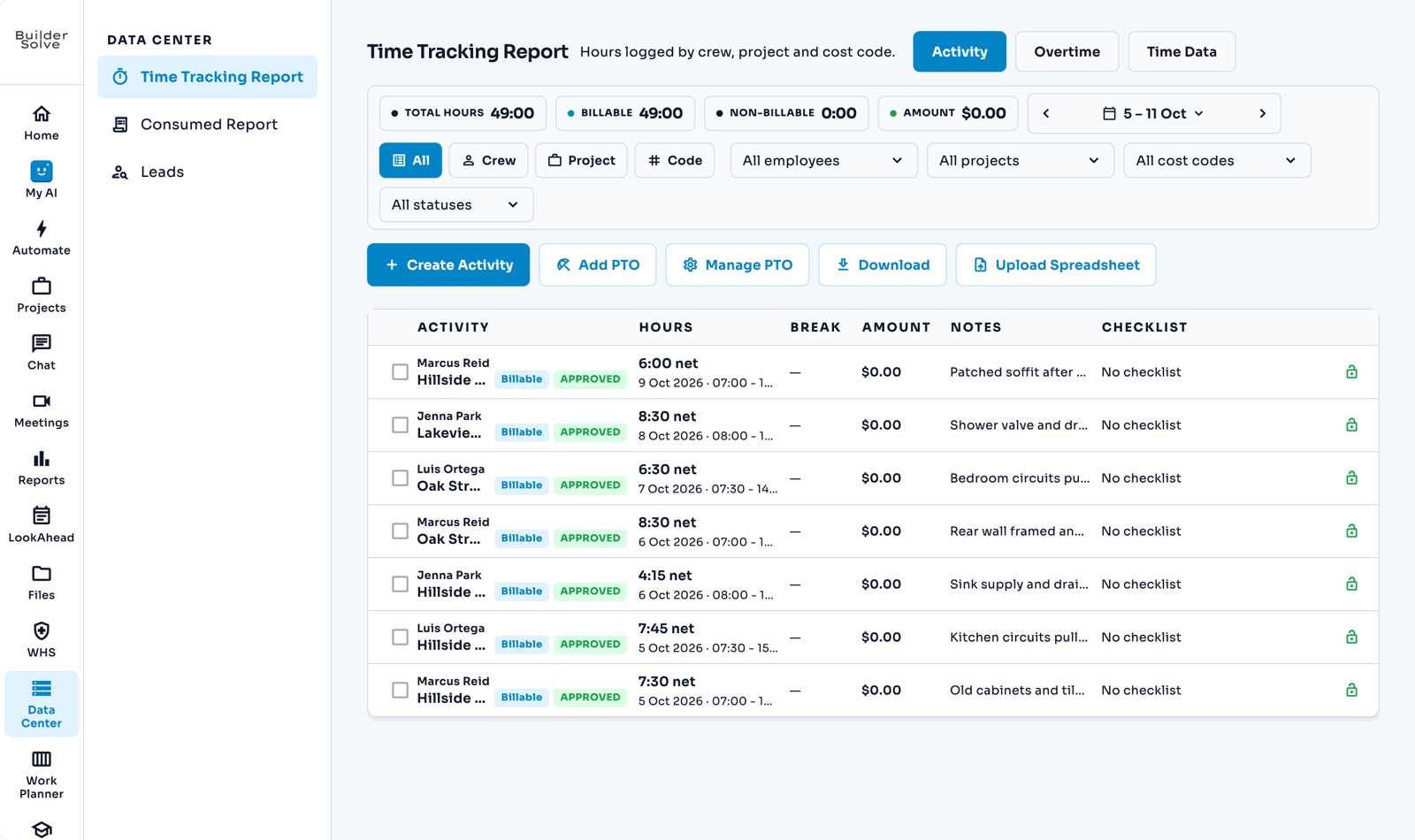
    • Clock in on the job
    • Approve the week
    • Hours flow into job costing
    Learn more
    • Filed against the job
    • Site checklists
    • Your own form
    Learn more
Money

Know where the money is going

What every part of the job should cost, what it has actually cost, and the margin on every job, while there is still time to act.

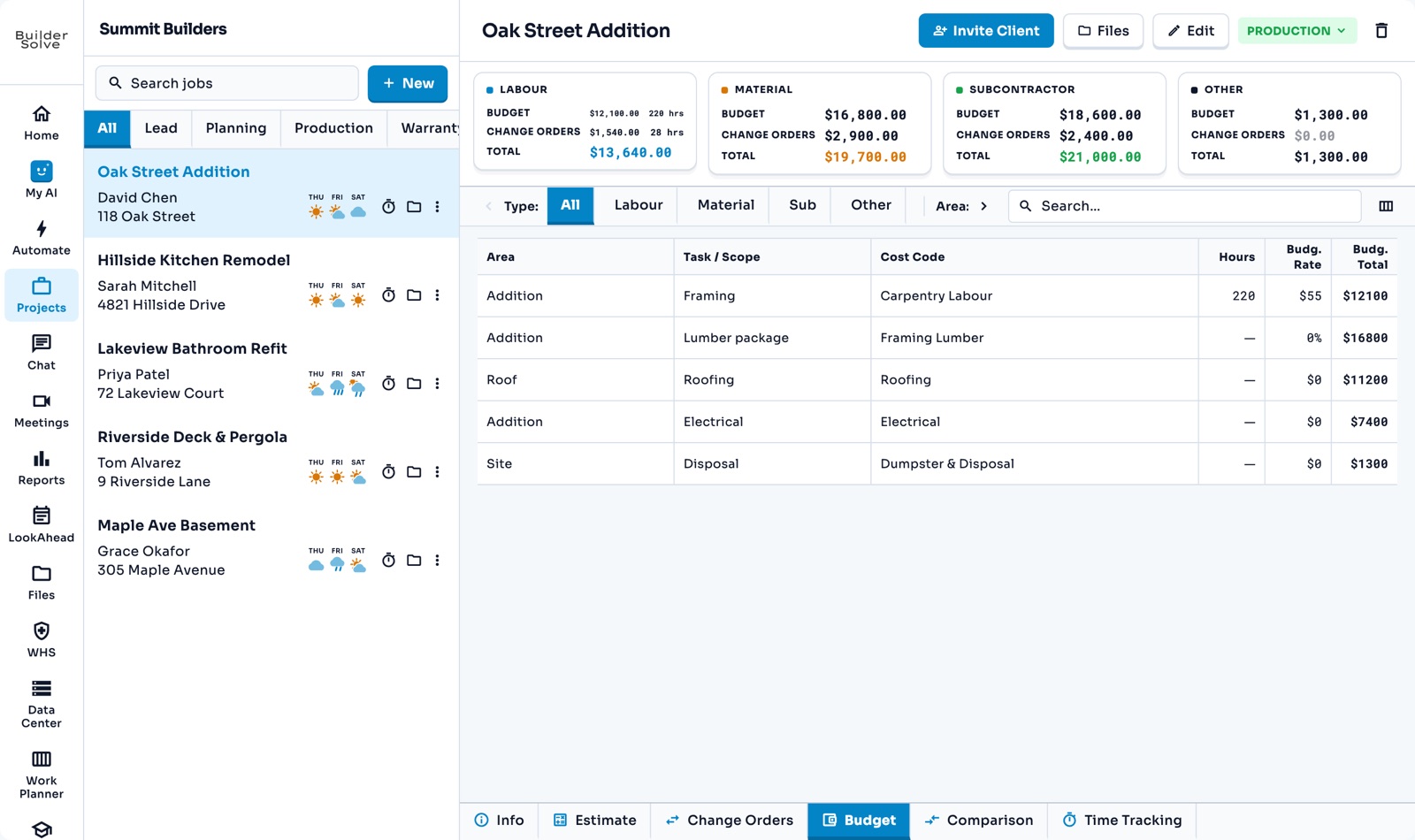
    • A card per cost type
    • Labour at your real cost
    • Built from the estimate
    Learn more
    • Synced with your financial platform
    • Overruns shown in red
    • Labour in hours, costs in dollars
    Learn more
    • Raised from the estimate
    • Suppliers on file
    • Quote attached, PDF filed
    Learn more
    • Margin on every job
    • Receivables and payables
    • Export to CSV
    Learn more
    • QuickBooks
    • Xero
    • Real spend synced to each job
    Learn more
Team & clients

Everyone on the same page

Chat, calls and files that stay with the job, and a portal where your client sees their job without a phone call.

    • A chat per job
    • Team and client threads
    • Audio and video calls
    Learn more
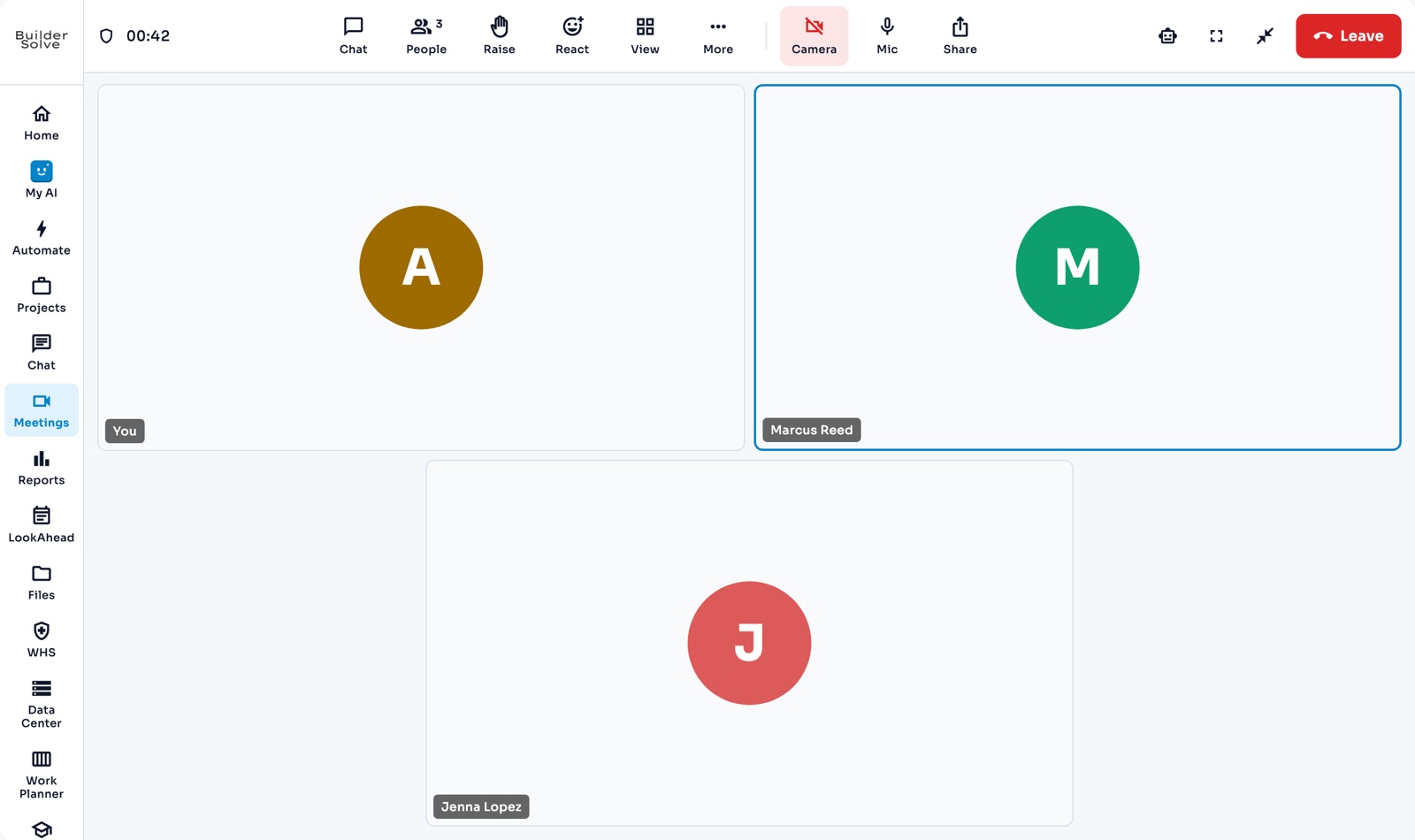
    • A video calendar
    • Invite the crew
    • Guests join by link
    Learn more
    • Their job and payments
    • This week’s schedule
    • You choose what they see
    Learn more
    • Every client once
    • Linked jobs
    • Last online
    Learn more
    • A folder per job
    • Drag and drop
    • Files that file themselves
    Learn more
    • Invite the crew
    • Their cost rate
    • Roles and permissions
    Learn more
Set up your way

Set it up once, the way you work

Your cost codes, rates, documents and table layouts, set once in Company Settings, and your old data brought with you.

    • Cost codes
    • Selling and burden rates
    • Materials and suppliers
    Learn more
    • Proposals, change orders and POs
    • Fills in from the job
    • Your logo
    Learn more
    • Show or hide columns
    • Drag to reorder
    • Per job when needed
    Learn more
    • Excel or CSV
    • Columns matched for you
    • Never counted twice
    Learn more

See all 32 features →

Up and running in days, not months

We handle migration, custom coding, and onboarding. You handle building.

1

Connect Your Data

Import existing jobs, estimates, and contacts from spreadsheets or your current tools.

2

Configure Your Workflow

Set up cost codes, crew roles, milestone templates, and safety checklists to match how you build.

3

Invite Your Team

Role-based access for admins, crews, and clients. Everyone sees exactly what they need.

4

Build Smarter

Real-time dashboards, automated alerts, and integrated financials keep every project on track.

One platform,
not five subscriptions

Most builders run the business across a scheduling tool, an estimating spreadsheet, a chat thread, a shared drive and an accounting package — none of which agree with each other. Here is what that stack costs you, and what replaces it.

Scheduling

The duct-taped stack

A separate tool that has never seen your estimate, so the timeline and the budget drift apart from week one.

BuilderSolve

Gantt, calendar and table views built from your estimate’s line items, with cashflow forecasting tied to milestones.

Estimating

The duct-taped stack

Rates live in one person’s spreadsheet, and nobody is sure which version went out to the client.

BuilderSolve

Line items on a shared library of cost codes, labour rates and material pricing — with version history, and a branded proposal in one click.

Talking about the job

The duct-taped stack

A group text thread, where the decision that changed the job is buried three hundred messages back.

BuilderSolve

A room per project with pinned decisions, file sharing and direct messages — plus voice and video, without a second tool.

The site record

The duct-taped stack

A shared drive of thousands of photos: no job attached, no idea which day they came from.

BuilderSolve

Date-stamped daily logs with crew activity, photos and field notes, filed against the job with permission-controlled access.

Change orders

The duct-taped stack

Agreed over email. Approved verbally, priced later, argued about at closeout.

BuilderSolve

Financial impact calculated and client approval tracked, with approved scope pushed into the schedule and the budget.

Client updates

The duct-taped stack

The same status delivered five times a week by phone, by the person who should be running the job.

BuilderSolve

A branded portal carrying the live schedule, change orders, daily logs and chat — the update is there before they ask.

Job costing

The duct-taped stack

Arrives at month end. You find out the job lost money about six weeks after it stopped being fixable.

BuilderSolve

Budget vs. actual as the job runs, with variance reporting and your QuickBooks receivables, payables and job costs read in beside it.

What you won't find in a generic project tool

LookAhead planning

Plan the week crew by crew, then roll it into a lookahead report showing what is coming and who is assigned.

Work planner →

An AI assistant inside the job

Ask it anything about a project, and let it draft change orders, daily logs, schedule shifts and time entries for your approval.

AI assistant →

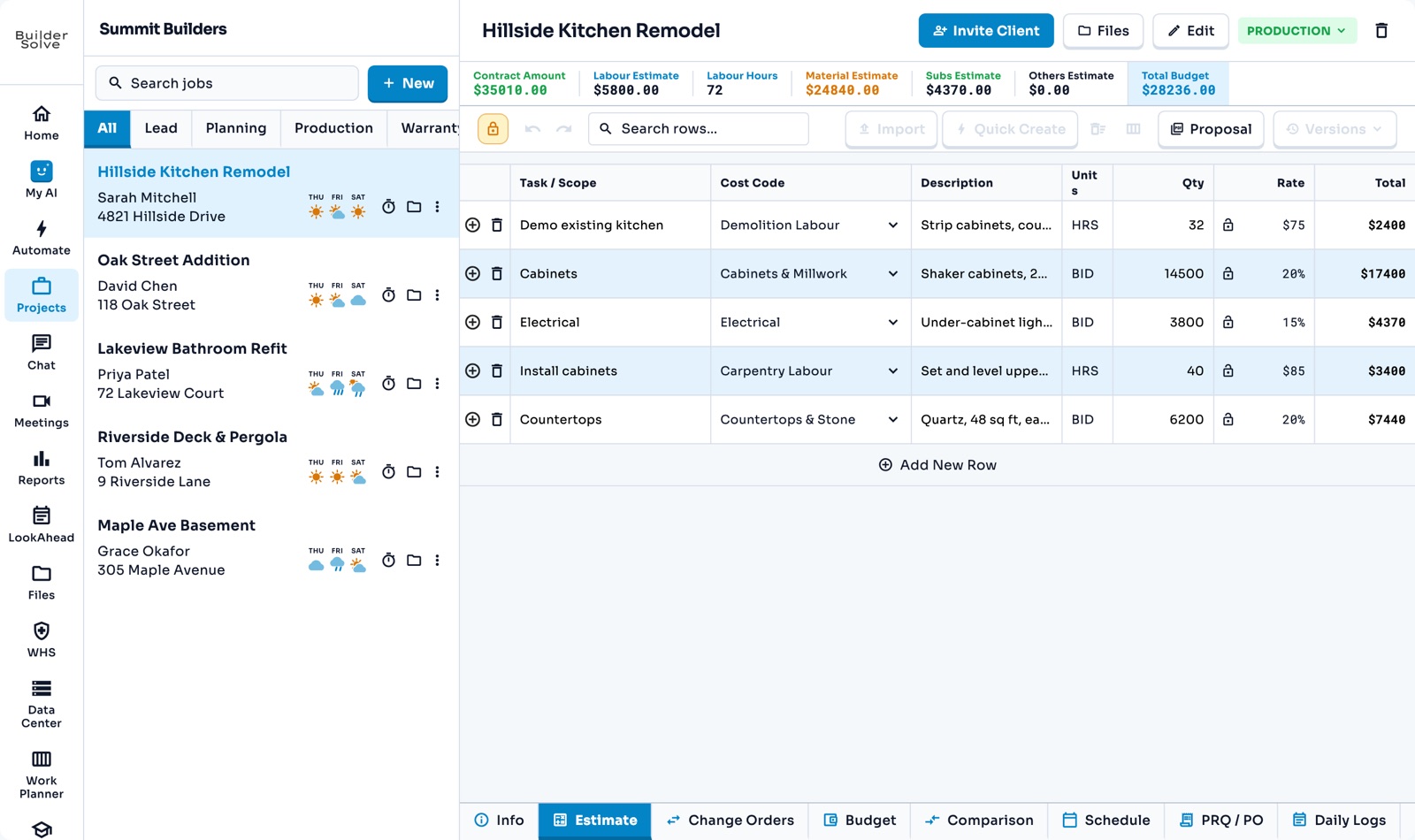
AI-assisted estimating

Line-by-line estimating with live rate resolution, where the assistant proposes row changes you approve or reject.

AI estimates →

Safety reports per project

A checklist your company writes in settings — completed on site, with who was there, exported to PDF.

Safety reports →

Voice and video, no add-on

Calls, scheduled meetings and shareable join links built into the platform rather than bolted on beside it.

Meetings & calls →

Your own PDF templates

Design the proposal your client receives, and preview it against a real job before it goes out.

PDF templates →

Everything listed above is live in the product today. Purchase orders are in development — see what's planned. We'd rather tell you that than pad a checklist.
Weighing us against something specific? We keep sourced, dated comparisons — including where the other platform is the better choice.

Build anywhere, manage everywhere

Web Browser

Full desktop experience

iOS App

iPhone & iPad

Android App

Phone & tablet

Common questions

Most teams are fully operational within days. The entire setup and onboarding is white-glove because we do special custom coding for your specific workflows, alongside full data migration and team training.

Yes — subcontractors get full platform access when registered as their own company. They can view schedules, submit daily logs, communicate with your team, and manage their own crews and jobs.

No, and it does not write to it either. BuilderSolve reads your QuickBooks — aged receivables and payables, recent payments, and cost transactions matched to jobs by customer and cost code — and shows them next to the budget. QuickBooks stays the book of record; we do the construction-specific budgeting and reporting on top of it.

Absolutely. BuilderSolve encrypts your data in transit and at rest, runs automated backups, and targets 99.9% uptime. Your data is hosted on enterprise-grade infrastructure with role-based access controls.

We offer email support, priority live chat, and dedicated account management depending on your plan. Enterprise customers also receive custom onboarding and phone support during business hours.

Ready to scale your construction business?
Let's start building.

Protect your margins, stay ahead of cashflow, and keep every crew moving — from one unified platform.