Team Chat
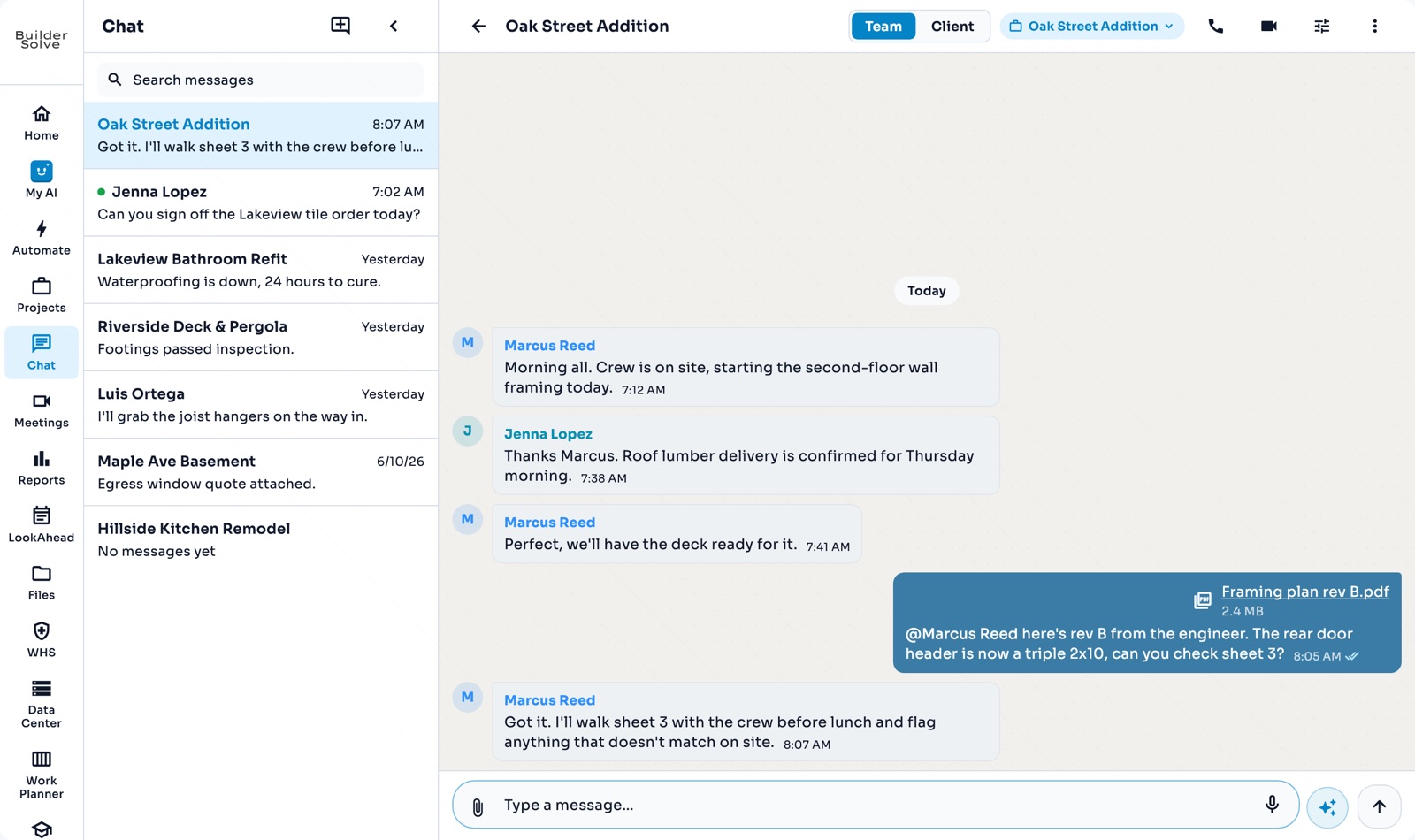
Every job gets its own chat the moment it is created, with a separate thread your client can read. Share files, @mention the right person, and start a call when typing is too slow.
What it does
-
A chat per job
Job chats and direct messages together, newest first, with unread counts.
-
Team and Client
The crew’s own conversation, and a separate one your client can read.
-
@mentions
Mention a teammate, @all to notify everyone, or @ai to ask the assistant about the job.
-
Files in the thread
Attach a drawing and anyone can open it from the chat.
-
Audio and video calls
Ring the people in the chat, after a quick mic check.
More in Team & clients
-
Video meetings
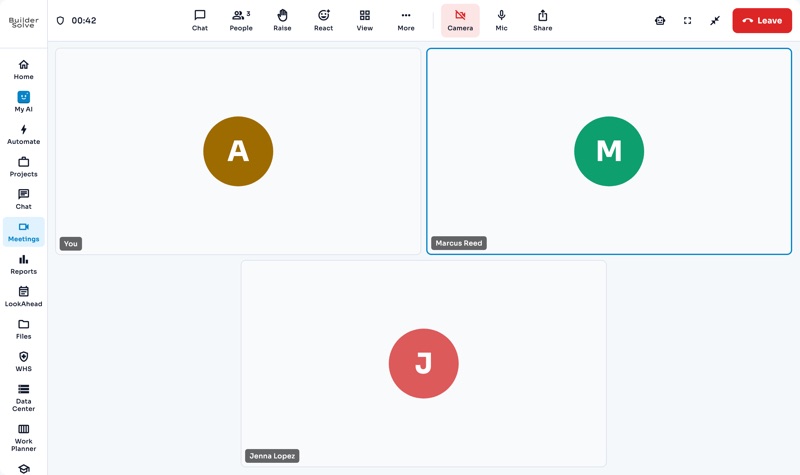
Book a video meeting, invite the crew, and bring in an outsider by link.
-
Client portal
Your client sees their job, payments, schedule, documents and chat in one place.
-
Clients
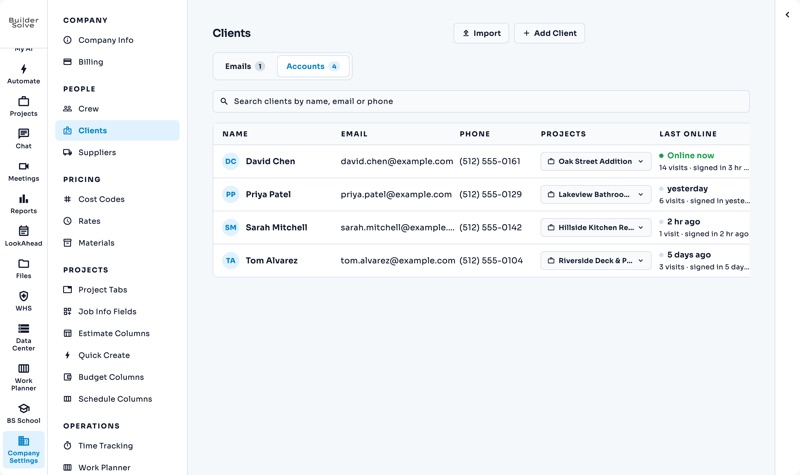
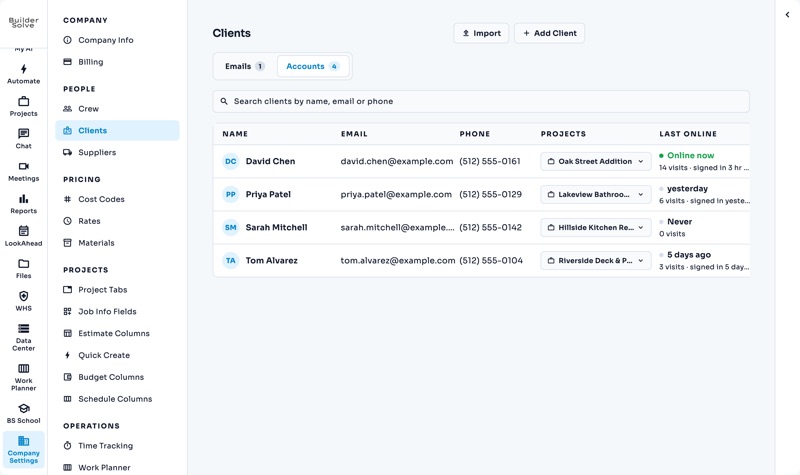
Turn a job’s client email into a login, linked to the jobs they can see.
-
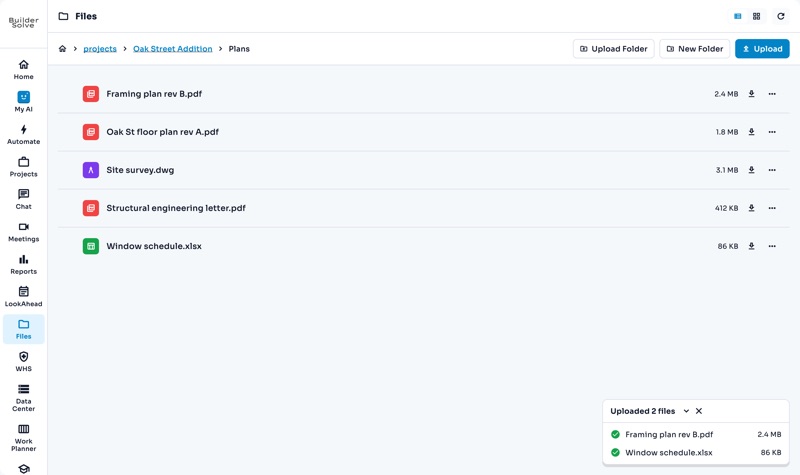
Files
One library for the company, a folder for every job, and drawings that open in place.
-
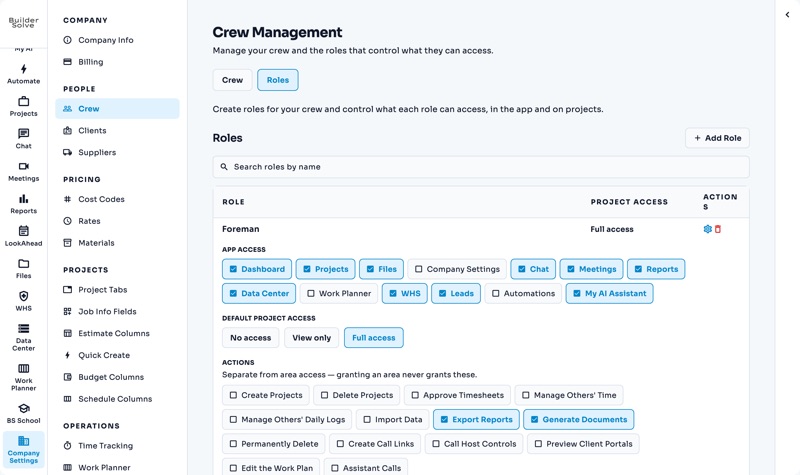
Crew & roles
A login for everyone, and roles that decide what each person sees and does.
See it on your own jobs.
Let's start building.
Every feature is in the trial, with your data, from day one.