Crew & Role Management
Give everyone their own login so their hours and logs are tied to them, and use roles to decide which parts of the app each person can use and how much of each project they see.
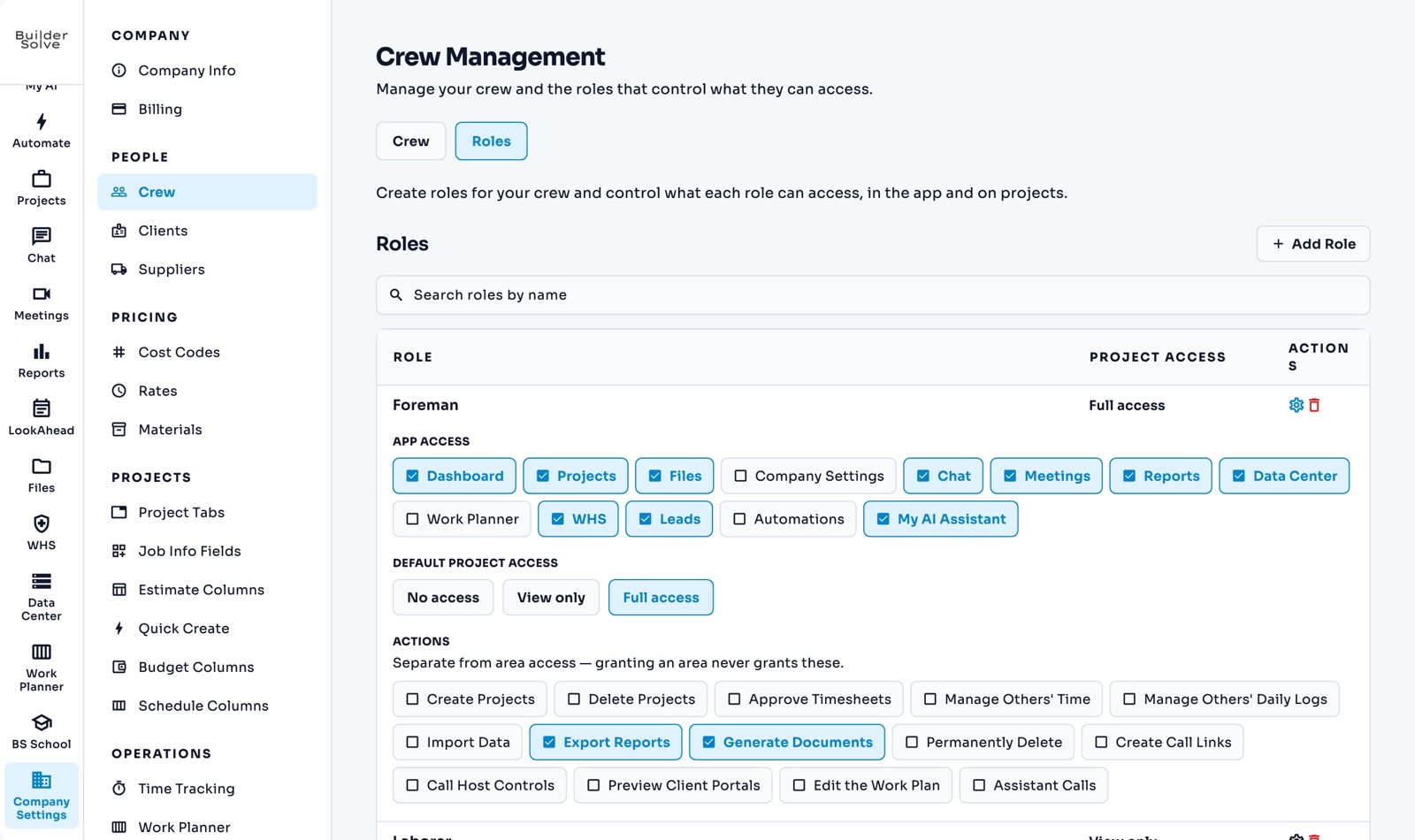
What it does
-
Add a crew member
Name and email; a temporary password is emailed to them.
-
Their cost rate
What an hour of their time costs you, so labour costs on jobs are right.
-
Roles
Choose which areas a role can use, its default project access, and actions like approving timesheets.
-
Change it any time
Change someone’s role when their job changes and their access follows.
More in Team & clients
-
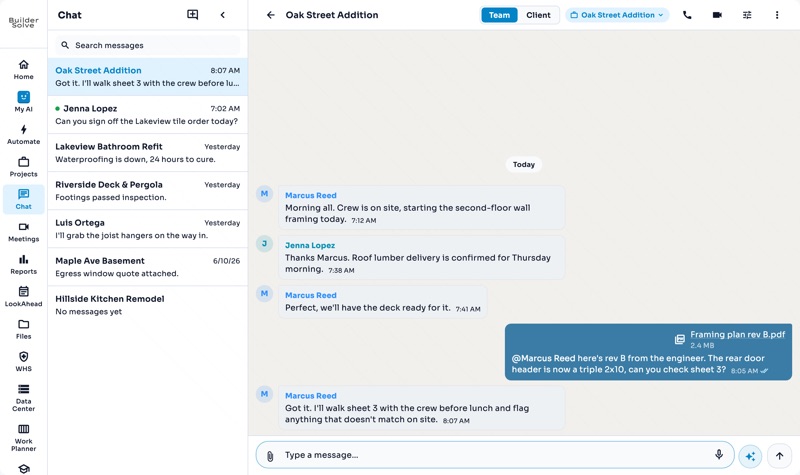
Team chat
A chat for every job, files attached, @mentions, and a call one click away.
-
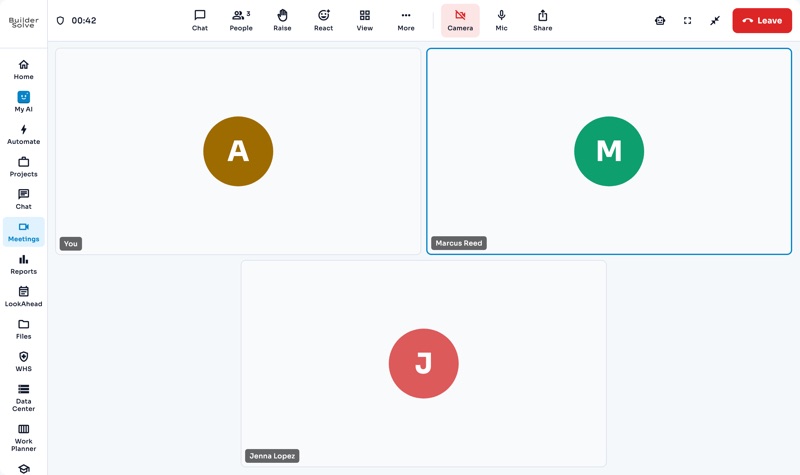
Video meetings
Book a video meeting, invite the crew, and bring in an outsider by link.
-
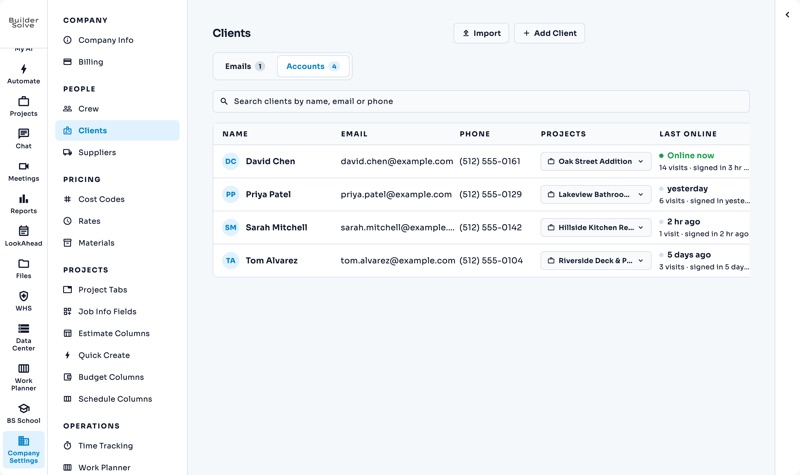
Client portal
Your client sees their job, payments, schedule, documents and chat in one place.
-
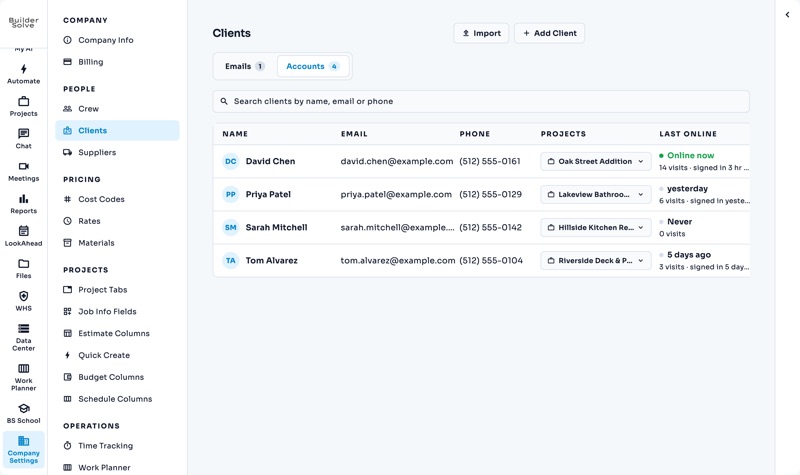
Clients
Turn a job’s client email into a login, linked to the jobs they can see.
-
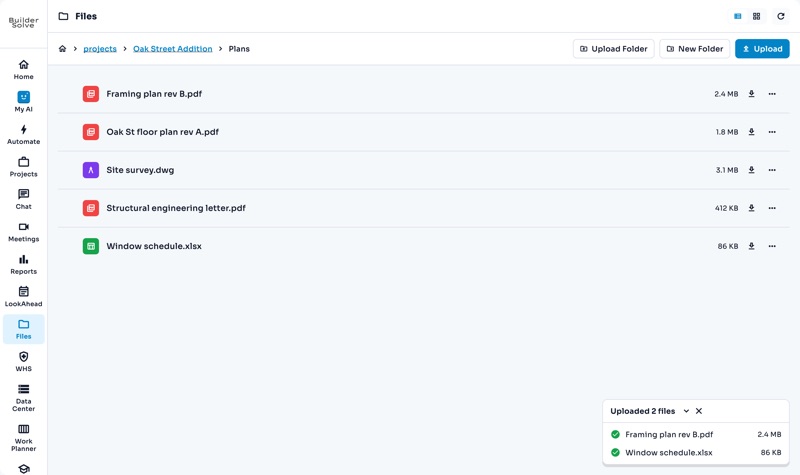
Files
One library for the company, a folder for every job, and drawings that open in place.
See it on your own jobs.
Let's start building.
Every feature is in the trial, with your data, from day one.