Time Tracking
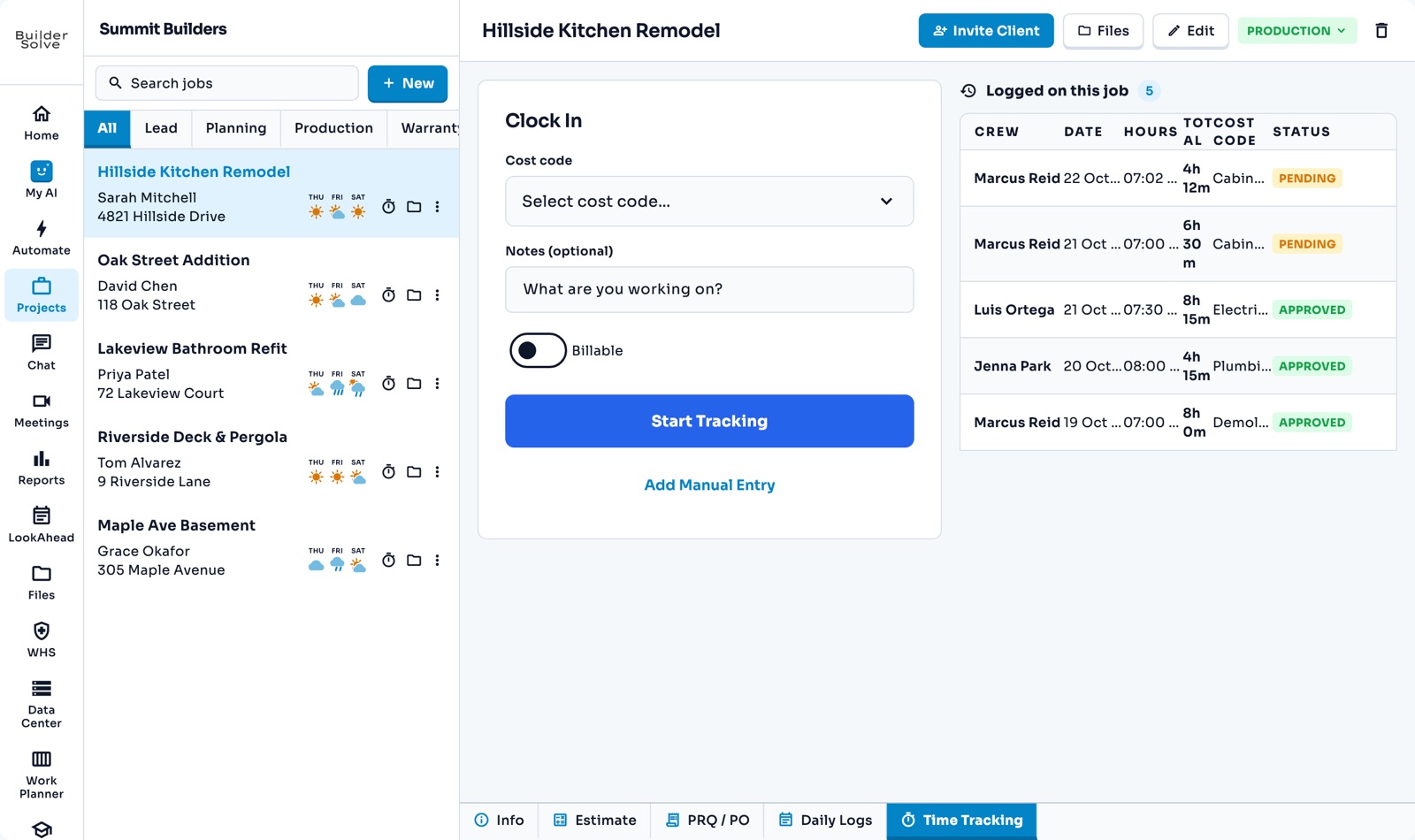
Crew clock in against a cost code on the job, managers approve the week in one place, and approved hours roll into the job’s costing.
What it does
-
Clock in on the job
Pick the cost code and add a note. The timer keeps running even if the app is closed.
-
My Time
Each person’s own timesheet: add time they forgot to clock and fix entries until they are approved.
-
Approve the week
Every job’s timesheets in one place. Filter to Pending, fix a cost code, approve one or all.
-
Your clock-out rules
Require a cost code, notes on clock-out, or a checklist before anyone can clock out.
-
Into job costing
Approved hours roll up to the cost code and lock. Download the week for payroll.
More in Schedule & field
-
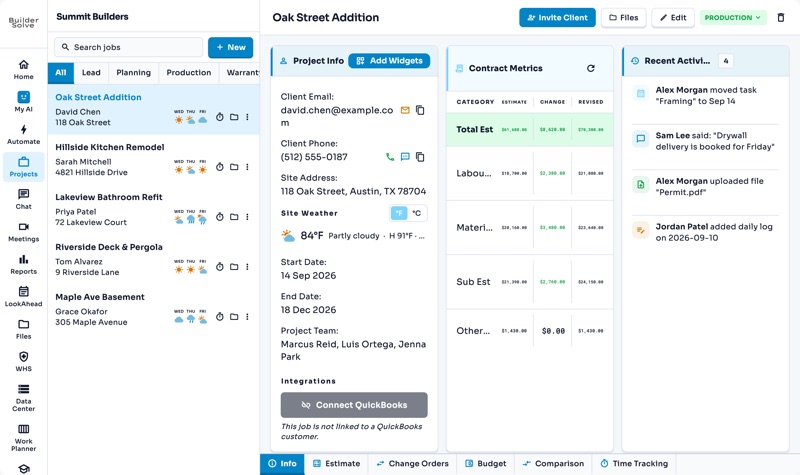
Jobs
The whole job on one page: client, site, contract, team and schedule.
-
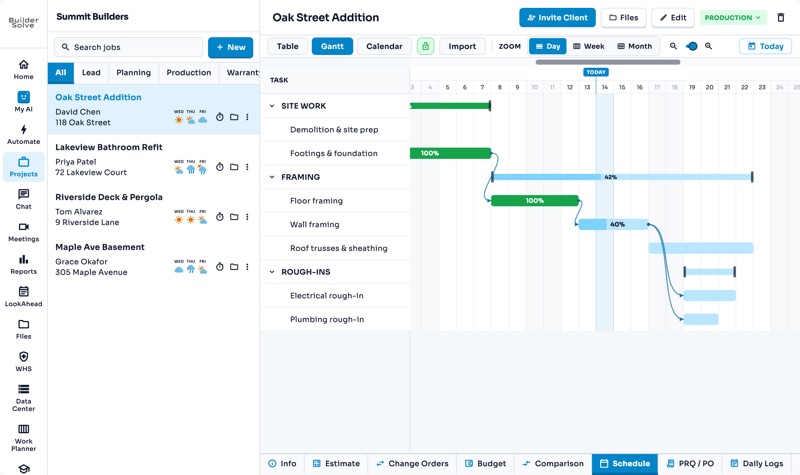
Schedules
Table, Gantt and calendar views of every job’s tasks, with delays that flow through.
-
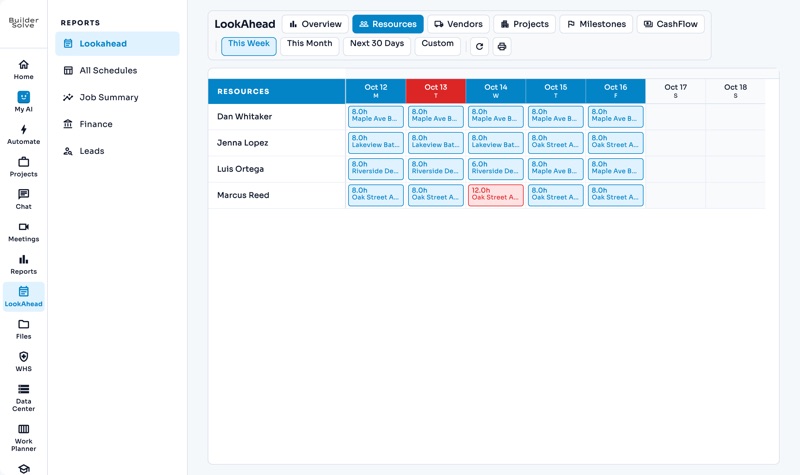
LookAhead
The year ahead across every job: cash flow, upcoming AR & AP, and who is booked where.
-
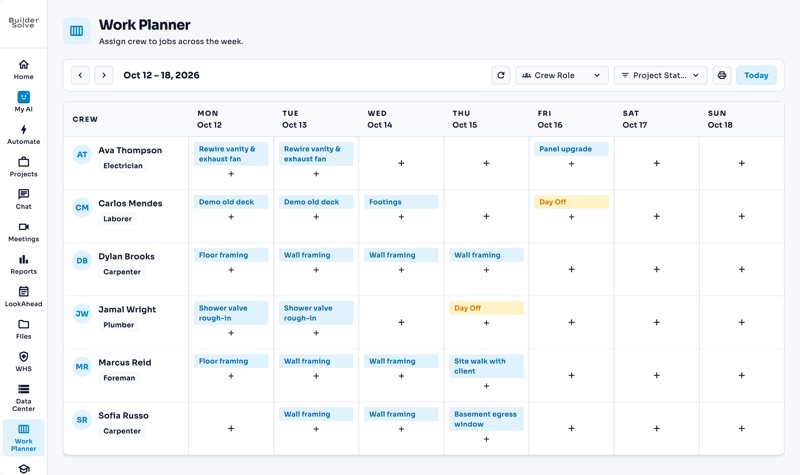
Work Planner
Put each person on a job and task, day by day, on one board.
-
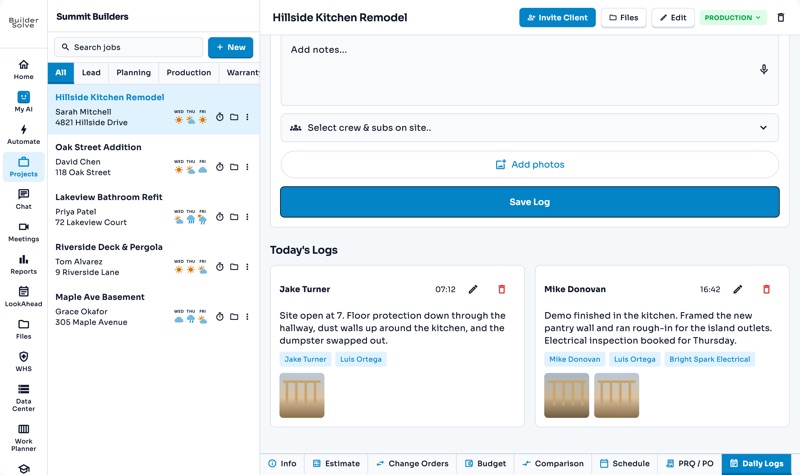
Daily logs
What got done, who was on site and photos of the work, one day at a time.
-
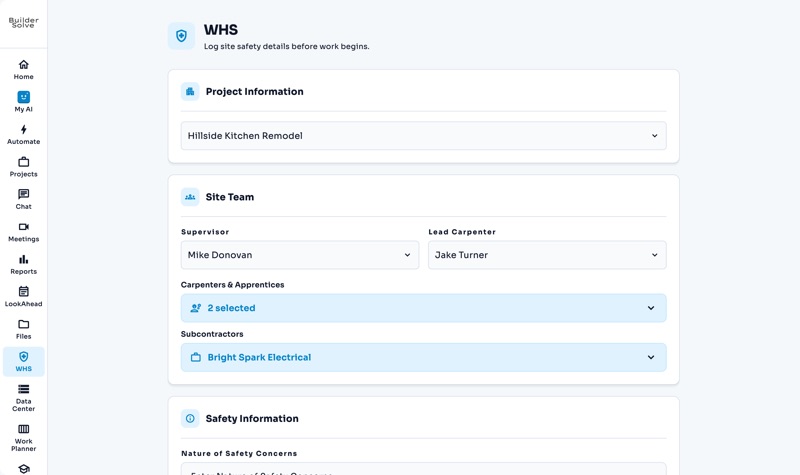
Safety reports
The site team, safety notes and checklists, logged before work begins.
See it on your own jobs.
Let's start building.
Every feature is in the trial, with your data, from day one.