Back Charge Construction: Why Notice Comes First
Deducting costs from a subcontractor without written notice and a chance to cure turns your legitimate expense into an unwon dispute.
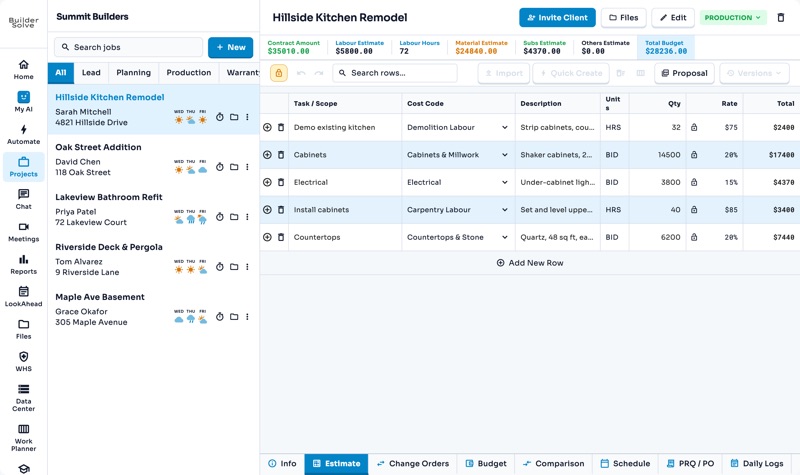
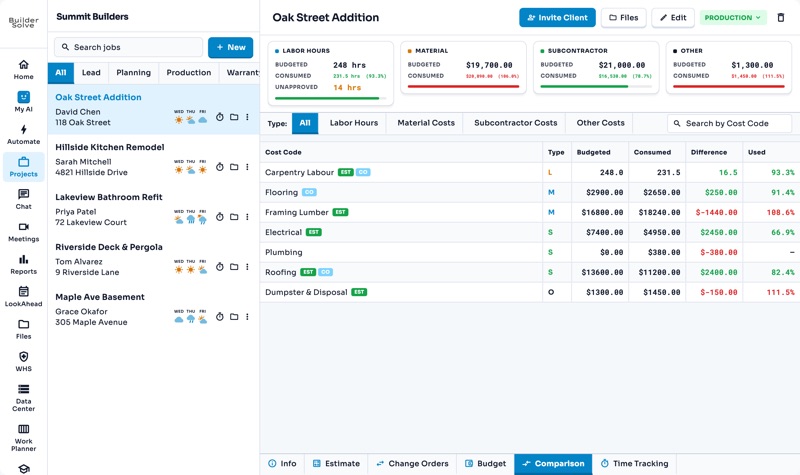
A remodel changes after the walls open. BuilderSolve keeps the estimate, the change orders and the budget on one job, so the price moves when the scope does.
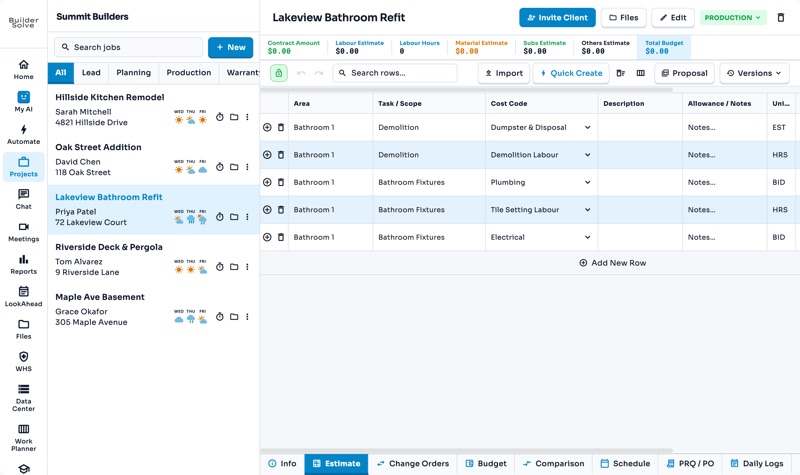
Set up areas such as Kitchen or Bathroom 1 and the scopes each one needs, then drop a whole group of lines into the estimate at once. A bathroom scope can bring its plumbing, tile and electrical lines with it, and lines every job needs, like dumpster and disposal, come along so nobody forgets them.
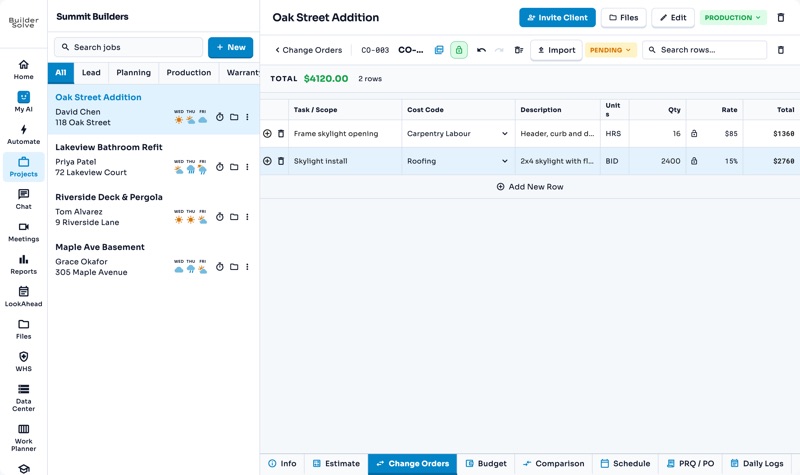
Price the extra work line by line on your own rates and generate a PDF for the client to sign. Once approved, it updates the revised contract and the job budget. Until then it sits as pending, where you can see it.
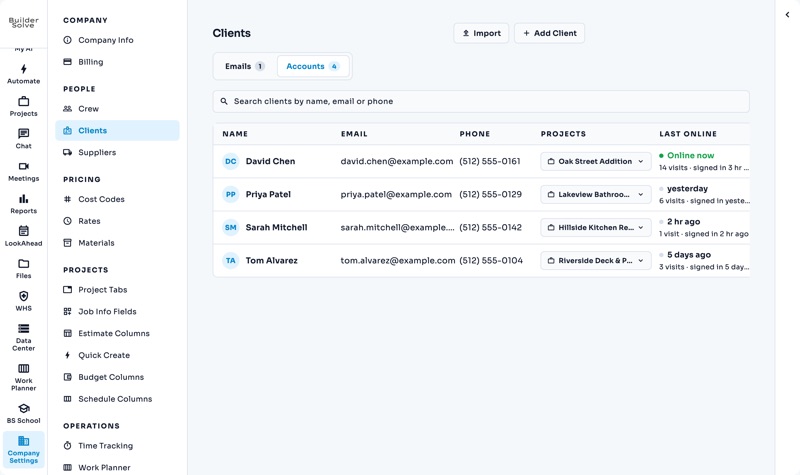
The client signs in to see payments, the week’s schedule, documents, change orders and site notes. You choose the sections, and you can preview the portal exactly as they see it.
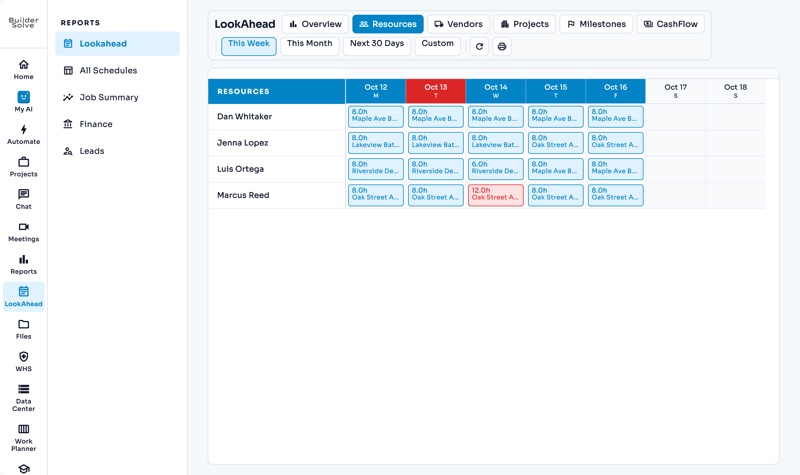
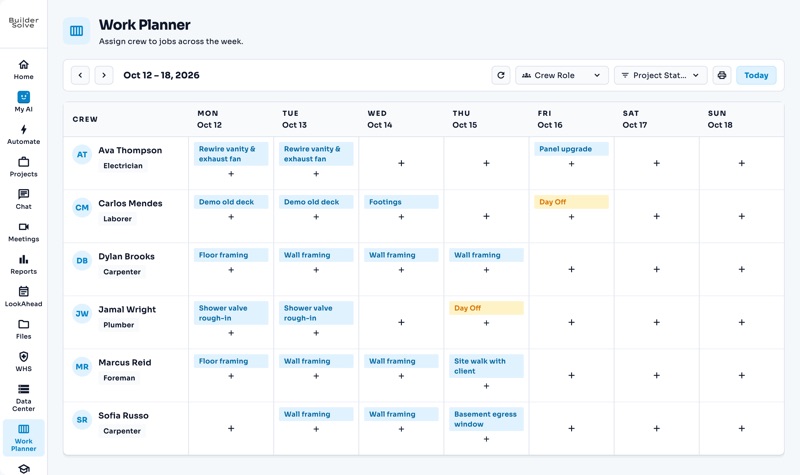
LookAhead puts every job on one timeline and flags anyone booked for more than eight hours in a day. The work planner sets the crew’s week from tasks already on each schedule.
There is no dedicated selections module. Selections are handled through estimate lines, change orders and the portal. If a formal selections workflow is the center of your business, weigh that first. See how we compare.
Yes. Quick Create lets you set up areas and scopes once, then add a whole group of estimate lines to a job, tagged and priced on that job’s rates.
The approved change order updates the revised contract and the job’s budget. Pending change orders stay marked as pending.
Deducting costs from a subcontractor without written notice and a chance to cure turns your legitimate expense into an unwon dispute.
Why minor revisions break trade sequencing on job sites, and how builders can document the true schedule delay before profits evaporate.
When you give an owner a budget range before drawings exist, they only remember the lower number.